
When you need a real person — a question about your account, your billing, your birth data, or anything else — the Support page is the way in. Like Bug Report, it isn't a message into the void: each request opens a private conversation thread you can follow until it's sorted.
How to reach support
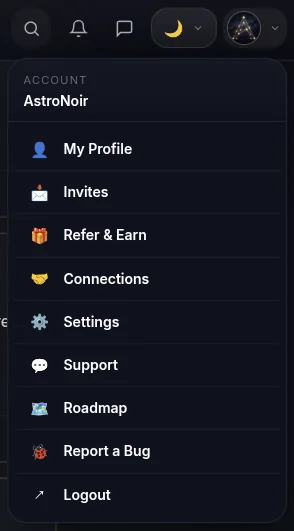
- Open Support from your account menu. Tap your avatar in the top-right and choose Support.
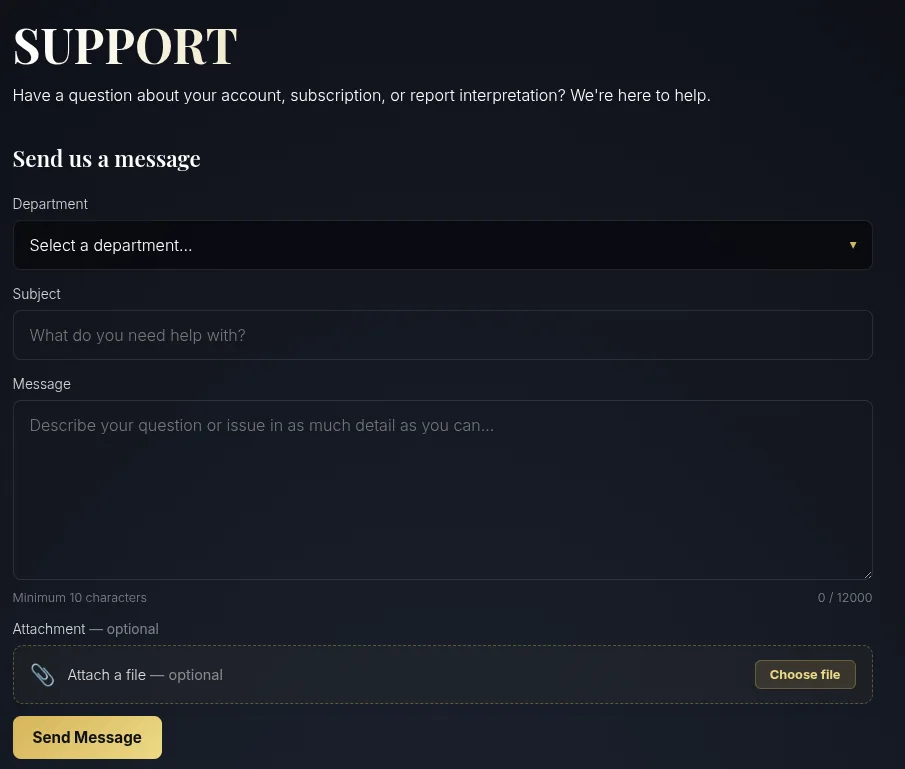
- Fill out the support form. Pick the department that best fits your question — or choose Other for anything that doesn't fit a category — then write your message. The more detail you give, the faster we can help.
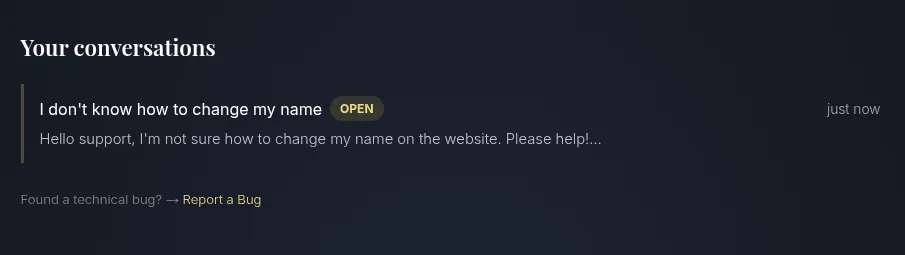
- See your conversation threads. Once your message is sent, your requests appear below the form, each as its own thread with its status.
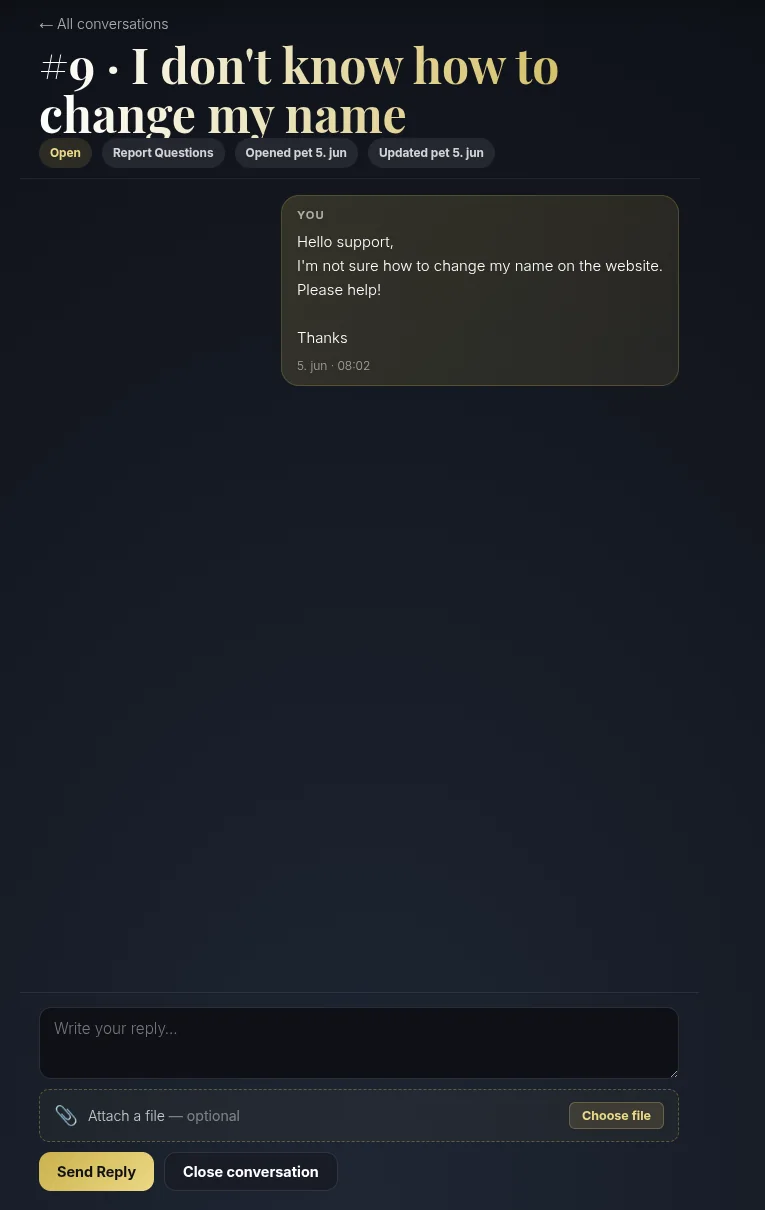
- Open a thread to continue the conversation. Tap any request to open the conversation — a private back-and-forth with the team, so we can follow up and keep you posted until it's resolved.
Support or Bug Report?
- Use Support for account, billing, birth-data, and general questions — anything that needs a person. To change your locked birth details, this is the channel: see How to Change Your Birth Details (pick the Other department).
- Use Bug Report for things that look broken — an error, a blank screen, or a reading that didn't load.
Either way, you get a real thread and a real reply — not an auto-responder.