
Your date, time, and place of birth are the foundation everything else is built on — your natal chart, every transit, every report, every number the engine produces. Because a single change ripples through all of that math, your birth details are locked by default.
Why they're locked
This isn't to make life hard — it's to protect your readings. Two reasons:
- Accuracy. Your whole chart is computed once from these three values. If they could be changed on a whim, anyone could reshape their entire engine output at will — and the system would lose the stable ground it reasons from. Locking them keeps your readings honest.
- Computing cost. Changing them isn't a quick field edit. It forces a full recomputation — your complete natal math, house system, asteroids and Arabic lots, and every active transit — which is genuinely heavy to run. We do that deliberately, not on every accidental tap.
So if something was entered incorrectly at sign-up, you don't edit it yourself — you ask us, and we make the change for you. Here's how.
How to request a correction
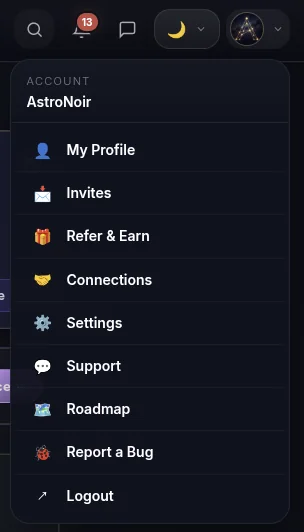
- Open Settings from your account menu. Tap your avatar in the top-right corner and choose Settings.
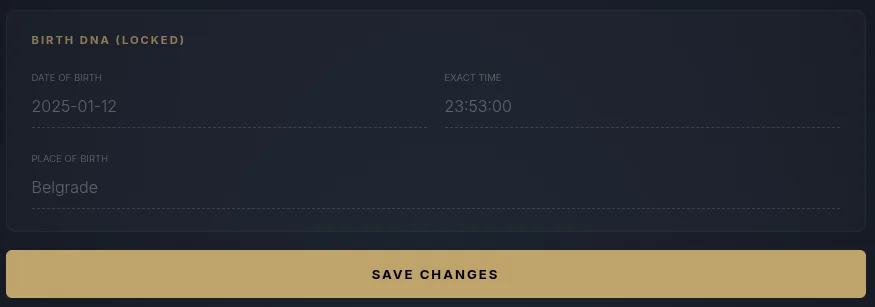
- Find your birth details — locked. Your date, time, and place of birth are shown here, but not editable.
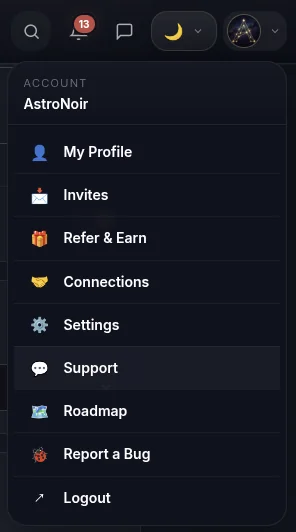
- Go to the Support page. Open Support to start a request.
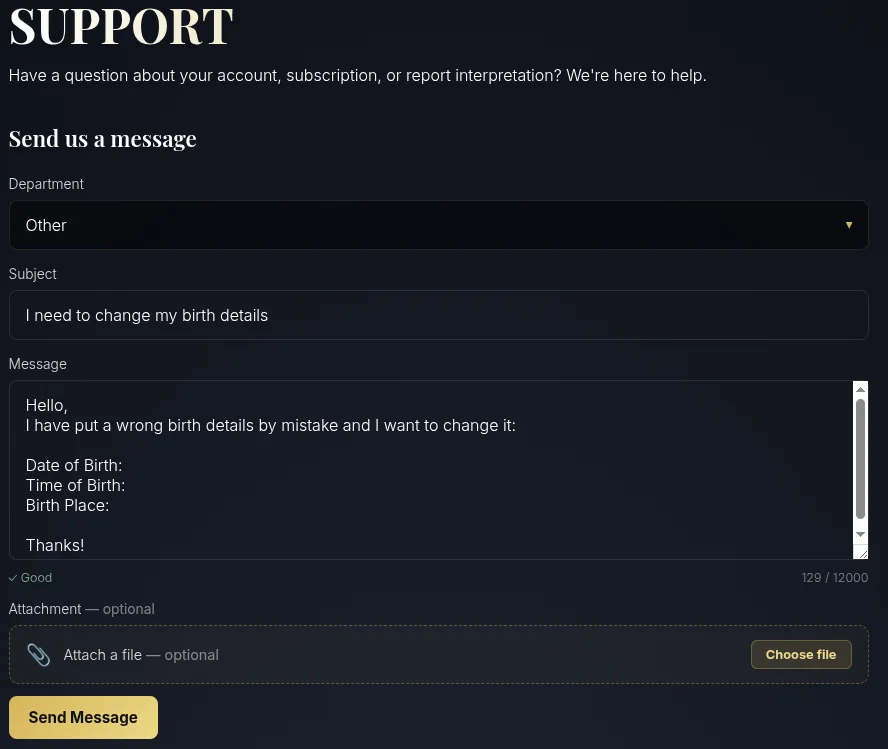
- Choose the "Other" department. Pick Other so your message reaches the right team.
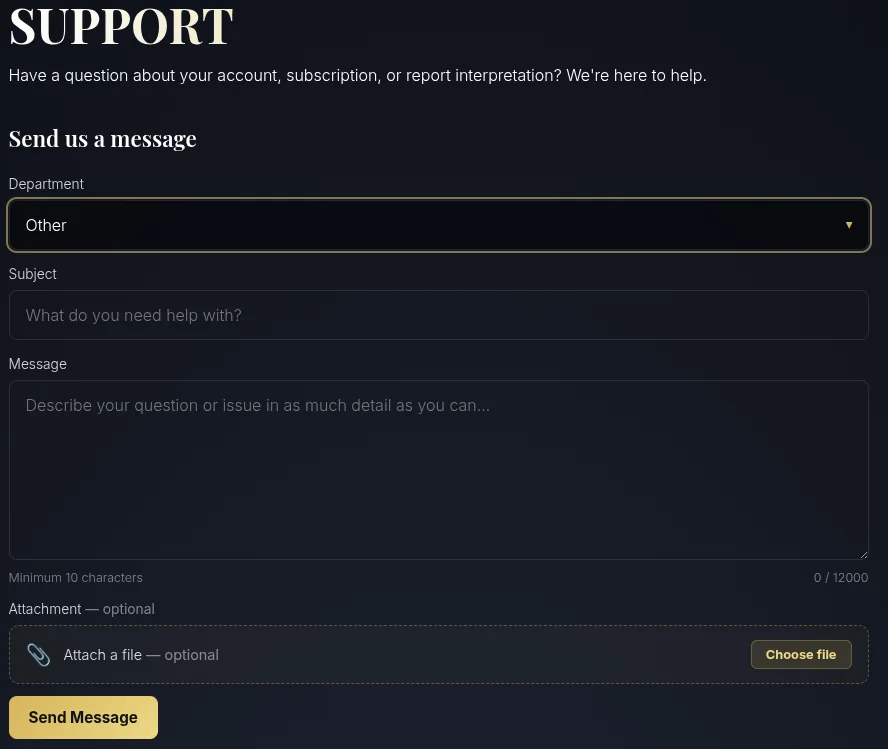
- Send us your correct details. In your message, give us your date of birth, exact time of birth, and place of birth. We'll verify it and replace it in the system — every reading then regenerates from the corrected data.
Include the time of birth as precisely as you can — even a few minutes shifts your Ascendant and house cusps. If you're curious why it matters so much, see Accuracy & Precision.
That's it. Once we update your details, your natal chart and every reading recompute from the corrected birth data — no further action needed on your side.