
AstroNoir is always improving, and the fastest way to help is to tell us when something looks off. The built-in Bug Report tool doesn't just send a message into the void — it opens a private thread where you and the support team talk it through until it's resolved.
How to file a report
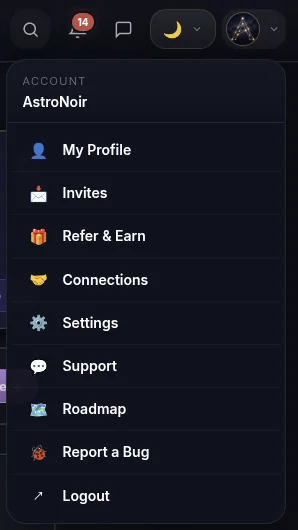
- Open "Report a Bug" from your account menu. Tap your avatar in the top-right and choose 🐞 Report a Bug.
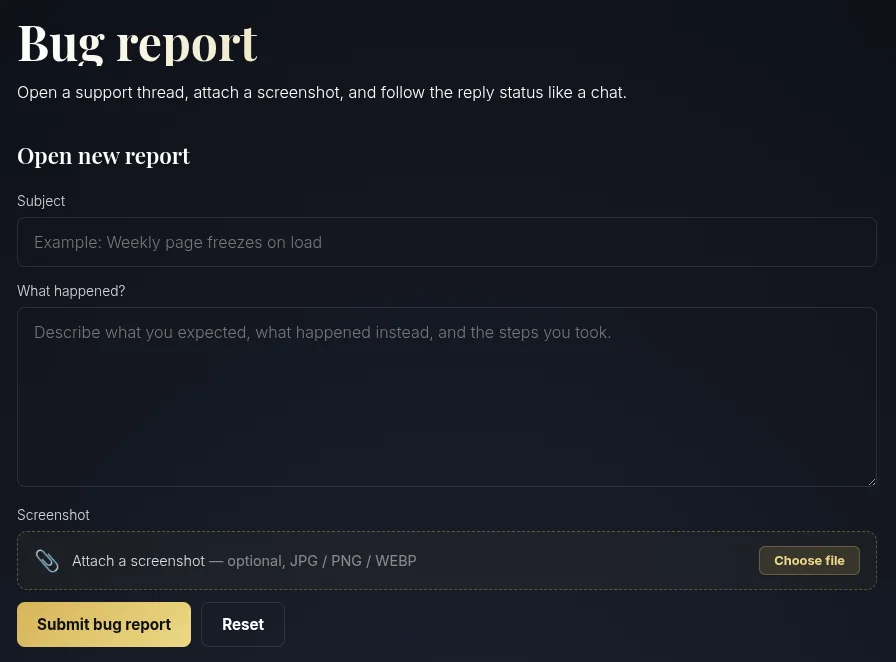
- Fill out the bug report form. Describe it in three quick parts — what you did, what happened, and what you expected instead. A device note or screenshot helps us reproduce it faster.
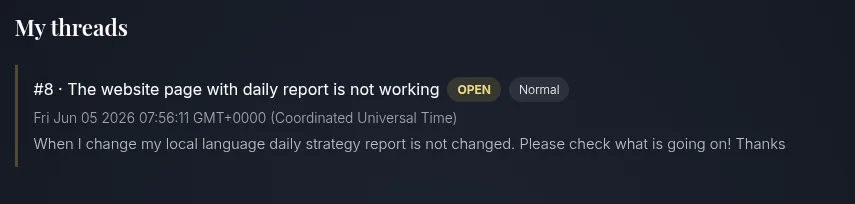
- See your report threads. Below the form you'll find your submitted reports, each as its own thread with its current status.
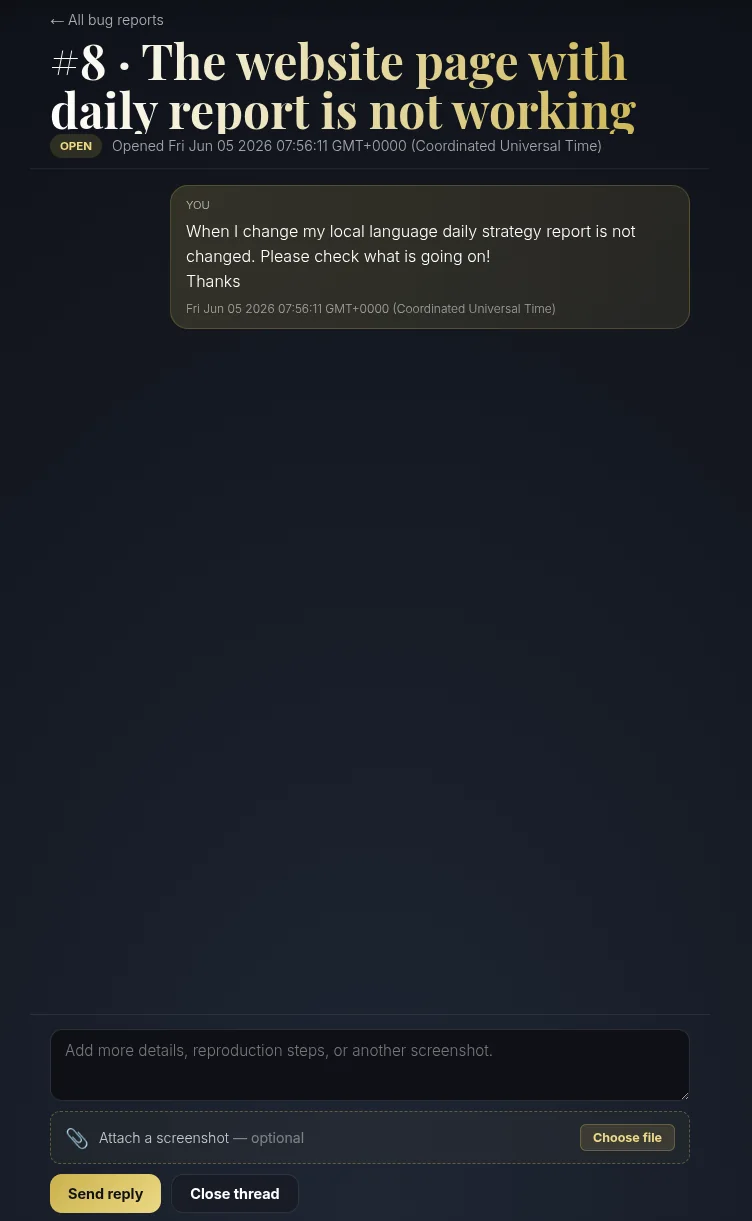
- Open a thread to chat with support. Tap any report to open its conversation — a back-and-forth with the support team, so we can ask follow-up questions and let you know the moment it's handled.
A good report in three lines
- What you did — the screen you were on and the steps you took.
- What happened — what actually appeared (an error, a blank space, the wrong reading).
- What you expected — what should have happened instead.
When to use Support instead
Bug Report is for things that look broken. For account, billing, or birth-data questions — anything that needs us to change something on your account — use the Support page and pick the Other department. For birth details specifically, see How to Change Your Birth Details.
Every report makes AstroNoir better for everyone — thank you for taking the time.