
Your public profile is how you show up to everyone else on AstroNoir — your picture, the name people see, and whether your profile is visible at all. It all lives in Settings, and you're in full control of it.
Manage your profile
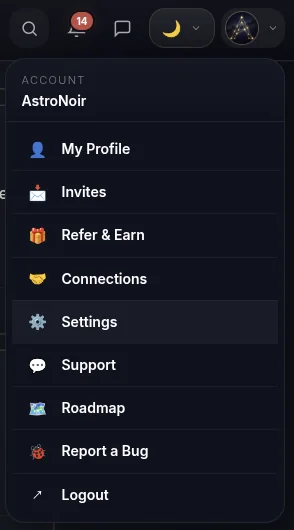
- Open Settings from your account menu. Tap your avatar in the top-right corner and choose Settings.
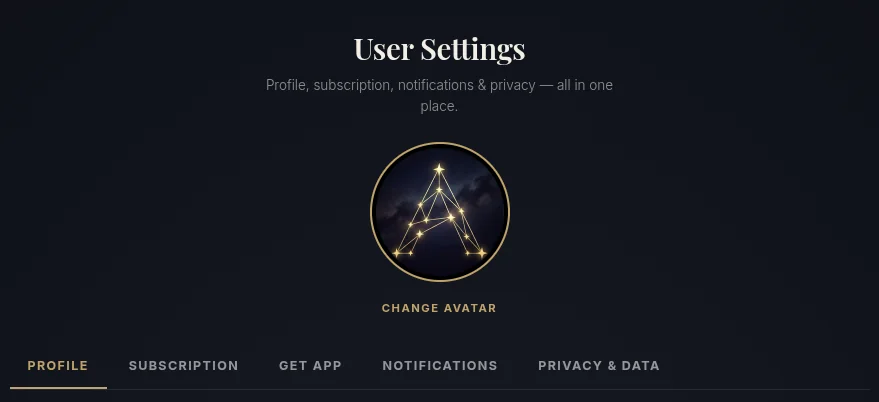
- Change your avatar. Tap your picture — or the Change avatar button — to upload a new one. This is the image people see next to your name.
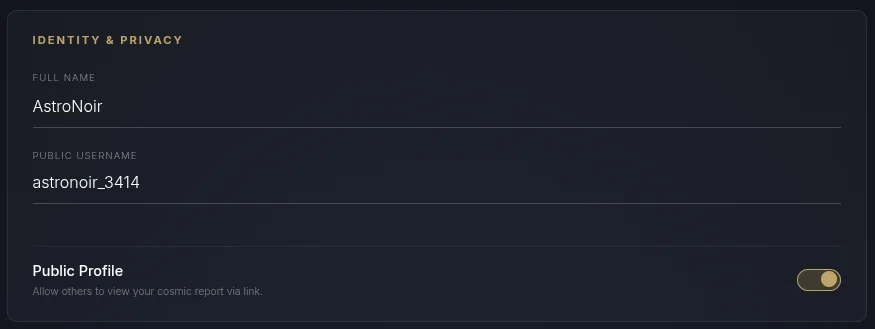
- Set your names and visibility. In the Public Profile section you can:
- edit your Full Name — how the app addresses you in your own readings,
- choose a Public Name — the display name everyone else sees,
- and switch your Public Profile on or off.
About the on/off switch
When your public profile is on, people can find you, view your shareable profile page, and send you a connection request. Switch it off and you go private — your page is hidden and you stay out of public view. You can flip it any time.
NOTE
Your Public Name is what shows on your profile and to your connections — your Full Name stays for how your own readings address you. Set them to whatever feels right.
Ready to grow your circle? Bringing people in also earns you PRO days — see How to Add People.