
Adding the people in your life is the single most useful thing you can do on AstroNoir. It unlocks deep readings about them and about your relationship — and it earns you free PRO days. Here's the whole thing, click by click.
Invite your people
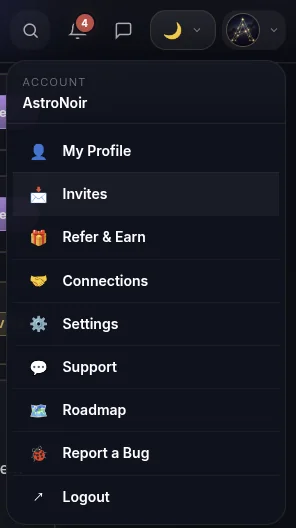
- Open Invites from the menu. Tap your avatar in the top-right corner and choose Invites.
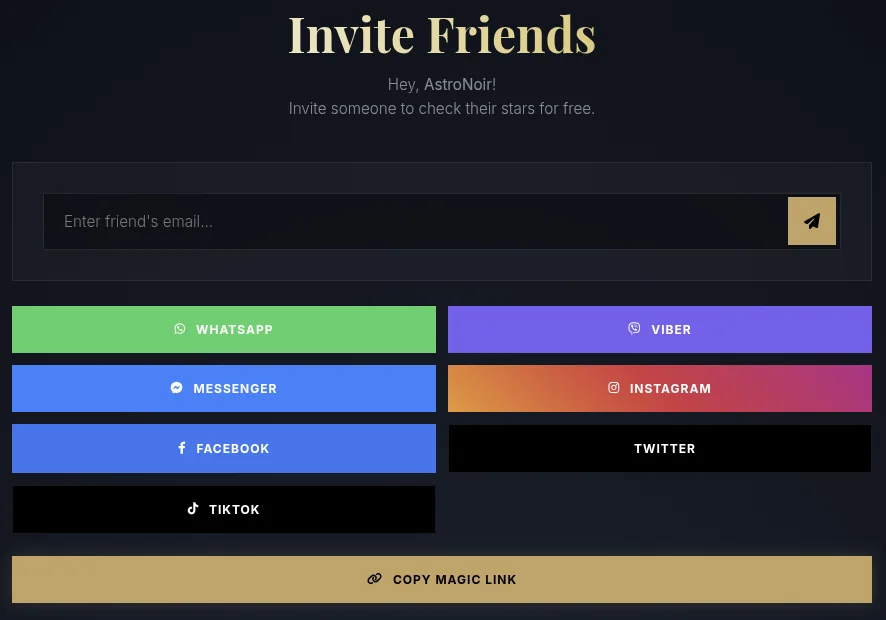
- Invite however suits you. Send an email invite, or share your link through WhatsApp, Viber, Messenger, Instagram, Facebook, X, or TikTok — or just Copy Magic Link and paste it anywhere. Everyone you bring in counts toward your PRO-day rewards.
Manage your connections
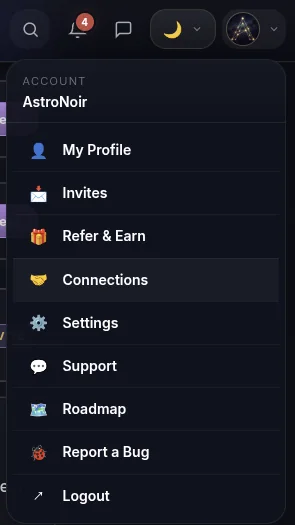
- Open Connections from the menu. Back in the avatar menu, choose Connections.
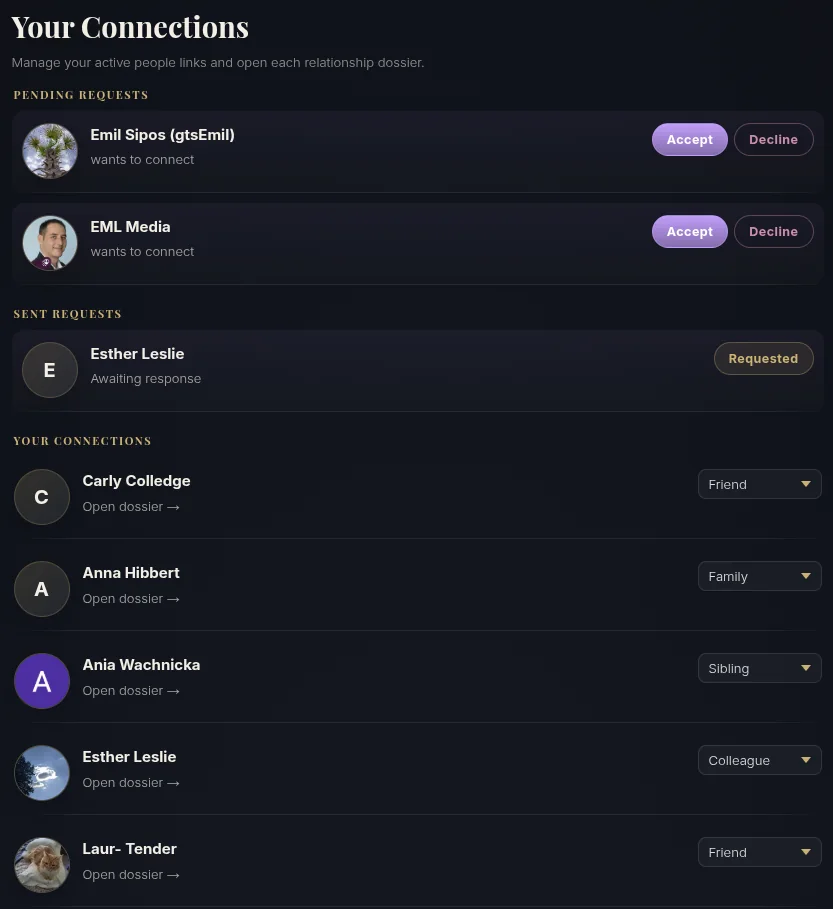
- Accept, organize, and label. Here you can accept or decline people who want to connect, see the invites you've sent, and set how you're related to each person from a dropdown — friend, family, sibling, parent, partner, colleague, and more. (The label is just for your own organization — it never changes a reading.) Tap Open dossier on anyone to read them.
Read them — who they are, and what you share
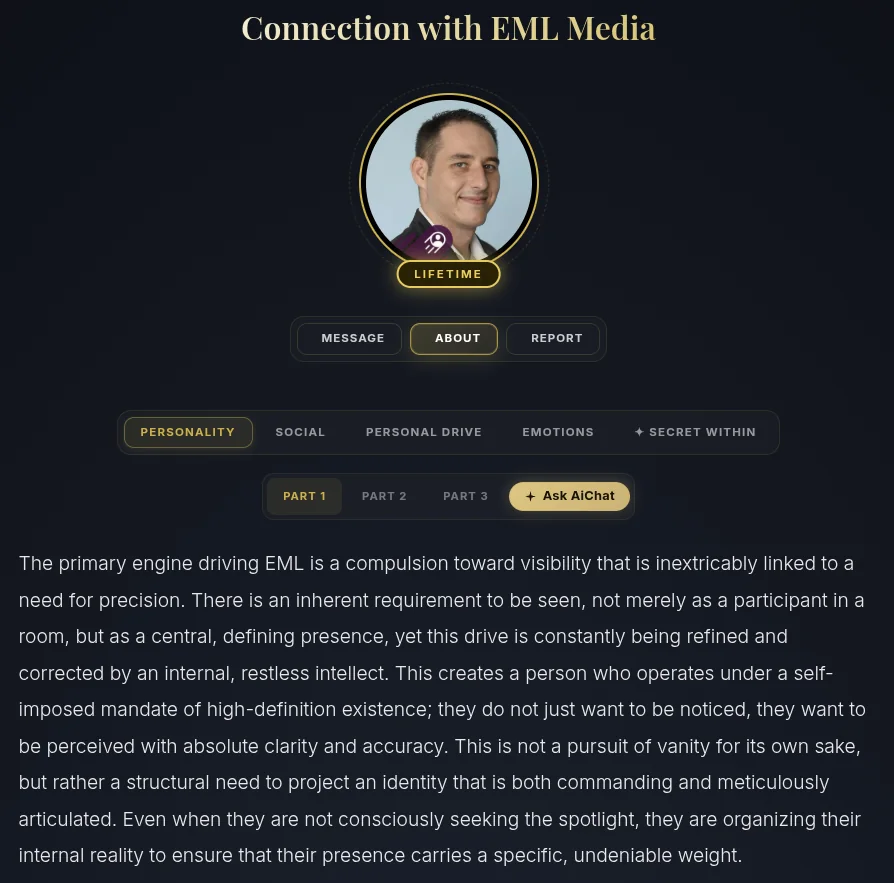
- Open their Profile (ABOUT). Each connection has a dossier. The ABOUT tab is all about that person — their personality, social style, drive, emotions, and the secret layer underneath. It's the reading you wish you'd had before.
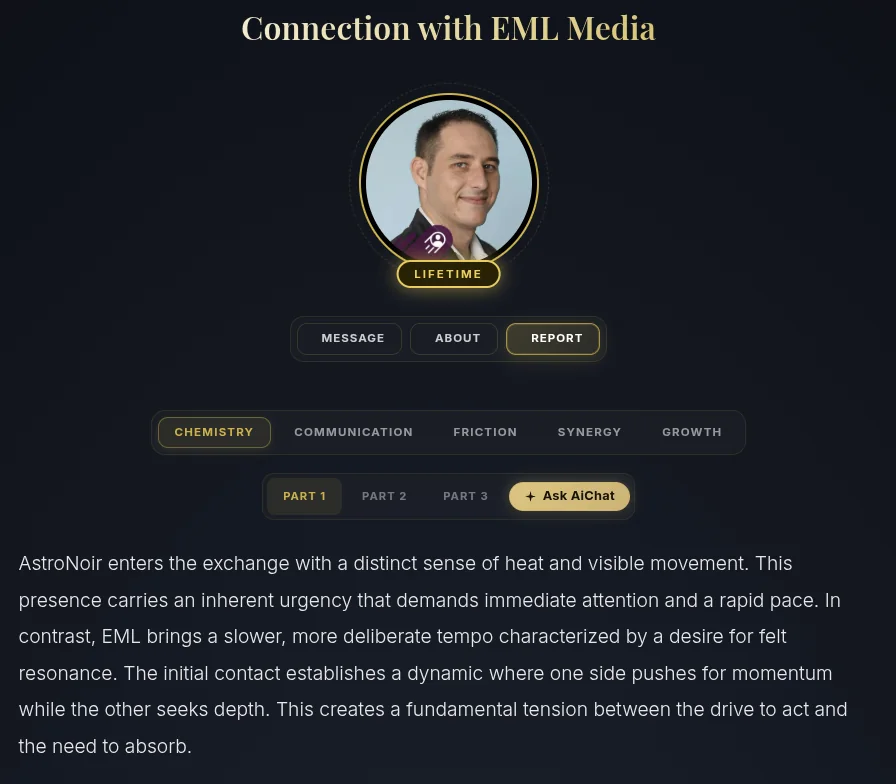
- Open the REPORT. Switch to the REPORT tab for you and them together — your chemistry, communication, friction, synergy, and growth, across three parts. This is the dynamic that only exists between your two charts.
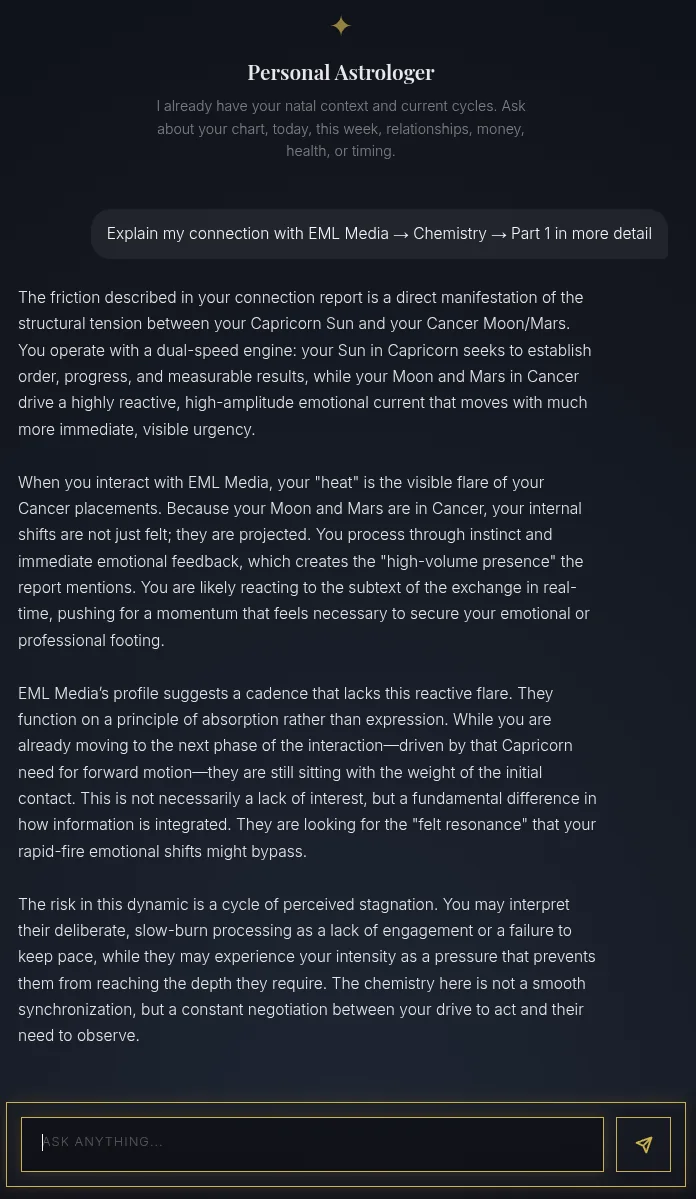
- Ask the AI to go deeper. Every section has an Ask AiChat button. Tap it and your Personal Astrologer opens already focused on that exact part — say your Chemistry, Part 1 with this person — and explains it in depth, ready for any follow-up question you want to ask.
Learn what each part means in The Connection Profile and The Connection Report.
Earn PRO days as your circle grows
Every person you bring who actually joins (verifies their email or signs in with Google) climbs you up the reward ladder — and we gift you PRO days automatically, all the way to lifetime PRO:
Track your progress any time on your promo page, and see the full picture in Social & Connections.