
The Work Horoscope reads your work circle as one. Add 2–5 colleagues and AstroNoir blends everyone's charts into a single weekly reading — the shared climate, who you can lean on, where friction builds, and where to make your play — traced day by day across the week. A Pro feature, built for timing, collaboration, and navigating office dynamics.
Here's how, click by click.
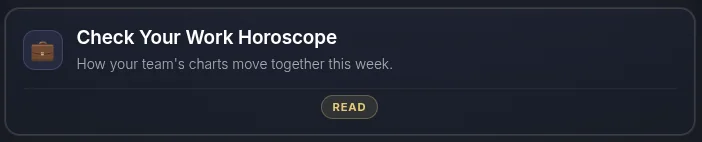
- Open the Work Horoscope. Find the Work card on your dashboard.
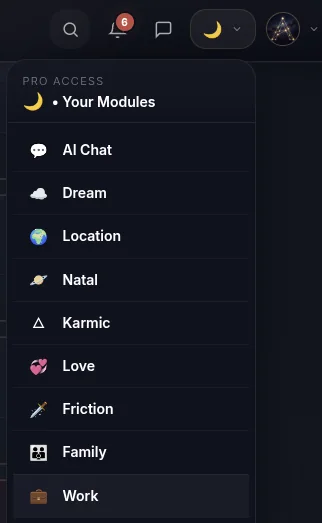
- …or open it from the menu.
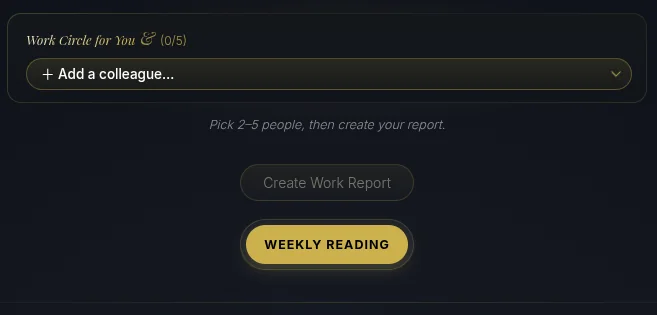
- Add your colleagues. Start adding the people you want in the circle from your connections. (Don't have them yet? See How to Add People.)
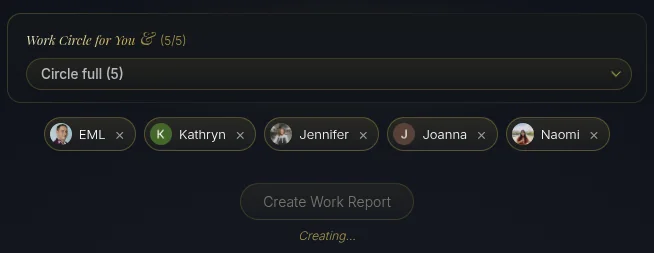
- Build your circle and create the reading. Add up to five colleagues — remove anyone with the ✕ — then create the report for your weekly team reading.
- See your visual card — and share it. The reading opens with a card of the circle, ready to share, and saved to your AstroNoir gallery.
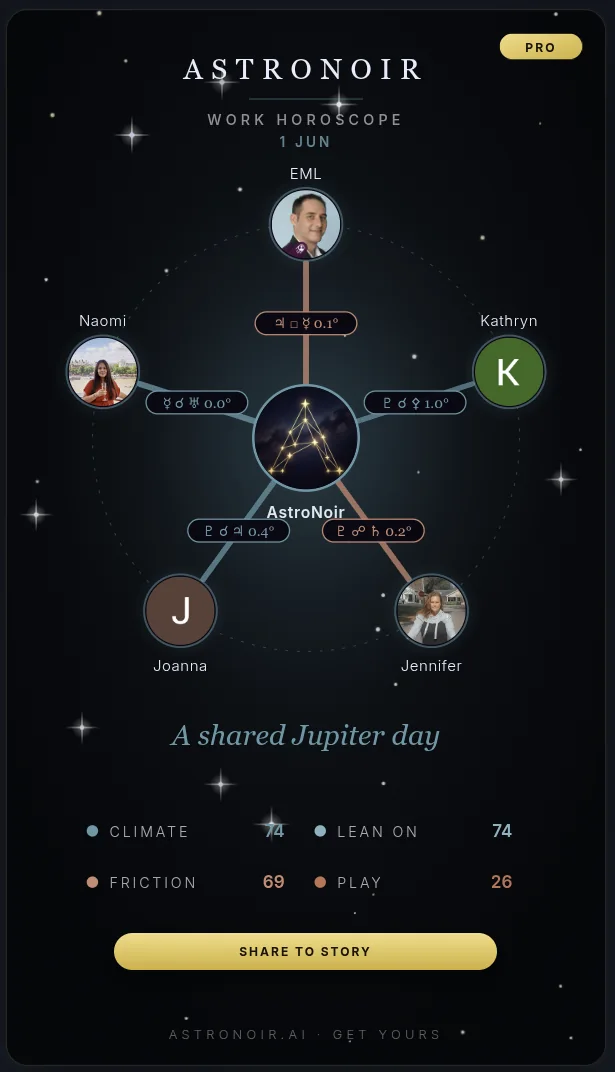
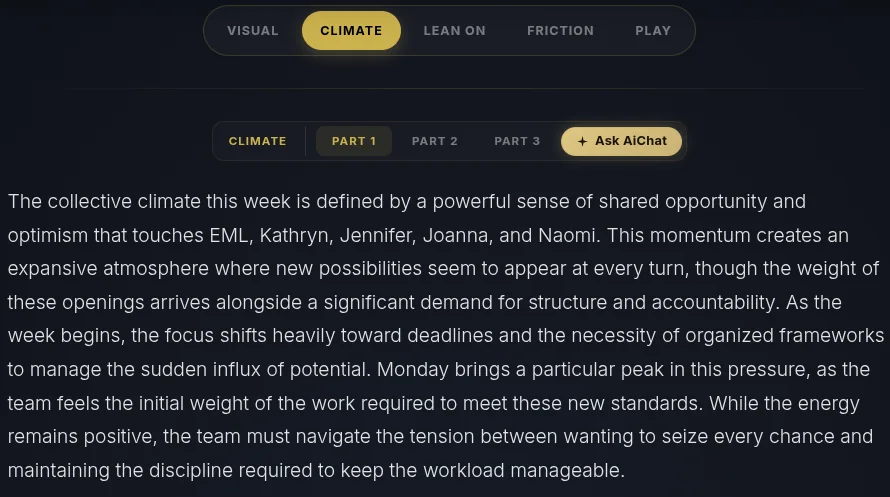
- Read the prose. Your team's week is written out across its segments in clear, personal language, with its day-to-day arc.
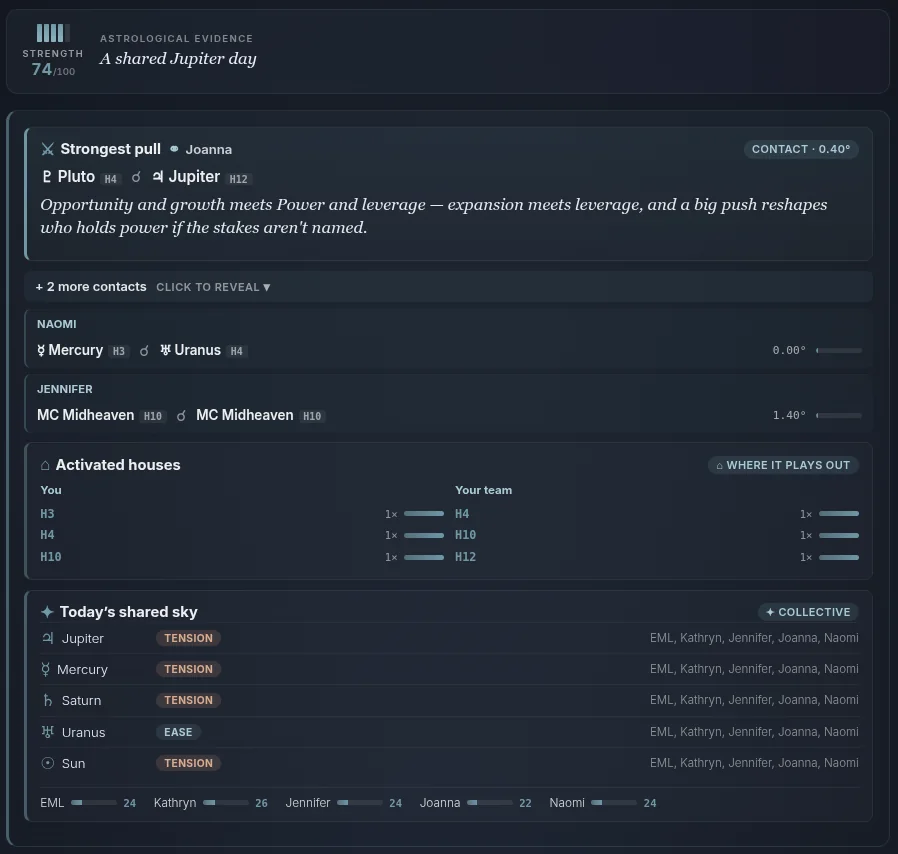
- Check the evidence. Under each segment is what it was built from — how everyone's charts interact as a team this week.
- Move between segments and tap Ask AiChat. Switch between Climate (the shared mood), Lean On (your strongest ally), Friction (where tension builds), and Play (the smart move), then tap Ask AiChat on the one you want to dig into.
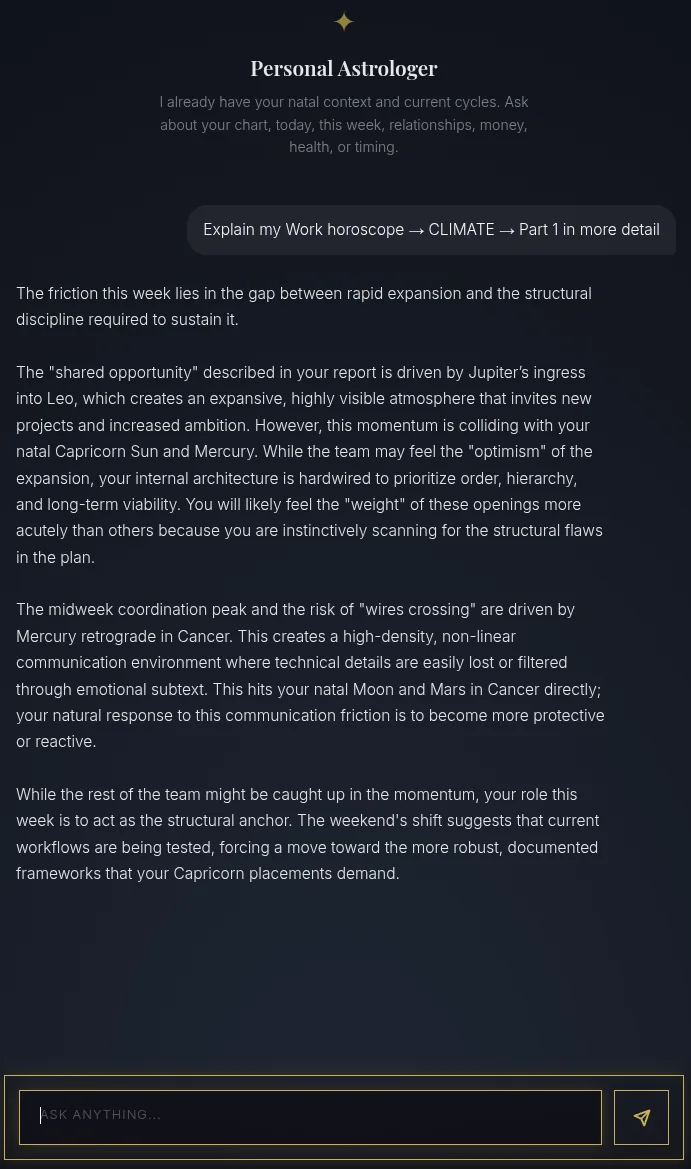
- Get a personal explanation. Your Personal Astrologer opens already focused on that exact segment and explains it in depth, ready for any follow-up.
That's the Work Horoscope — your whole team, read as one, week by week. For your home circle instead of your team, see the Family Horoscope.