
The Family Horoscope reads your whole family circle as one. Add 2–5 of your people and AstroNoir blends everyone's charts into a single daily reading — the overview of the day's shared weather, where the focus lands, where support flows, and the friction to hold with care. A Pro feature, and one of the few readings anywhere that reads a group at once.
Here's how, click by click.
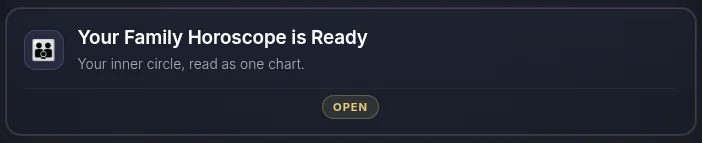
- Open the Family Horoscope. Find the Family card on your dashboard.
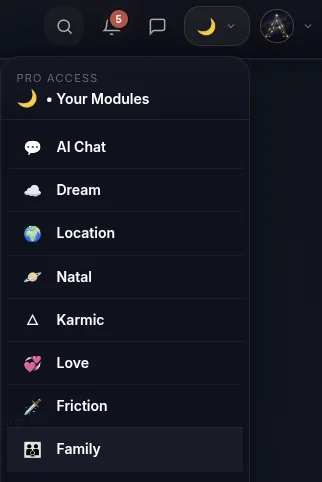
- …or open it from the menu.
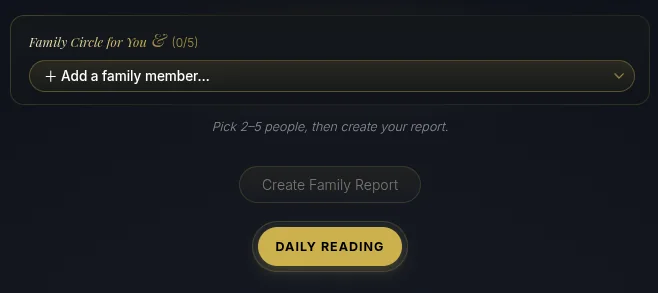
- Add your people. Start adding the family members you want in the circle from your connections. (Don't have them yet? See How to Add People.)
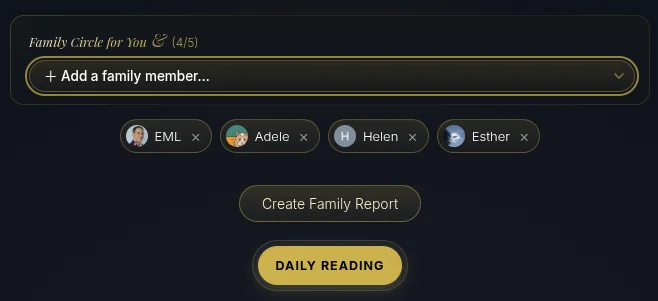
- Build your circle and create the reading. Add up to five people — the circle shows who's in, and you can remove anyone with the ✕. When you're ready, tap Create Family Report for your Daily Reading.
- See your visual card — and share it. The reading opens with a card of the circle, ready for Instagram, Facebook, Pinterest, or X. Shared cards are saved to your AstroNoir gallery.
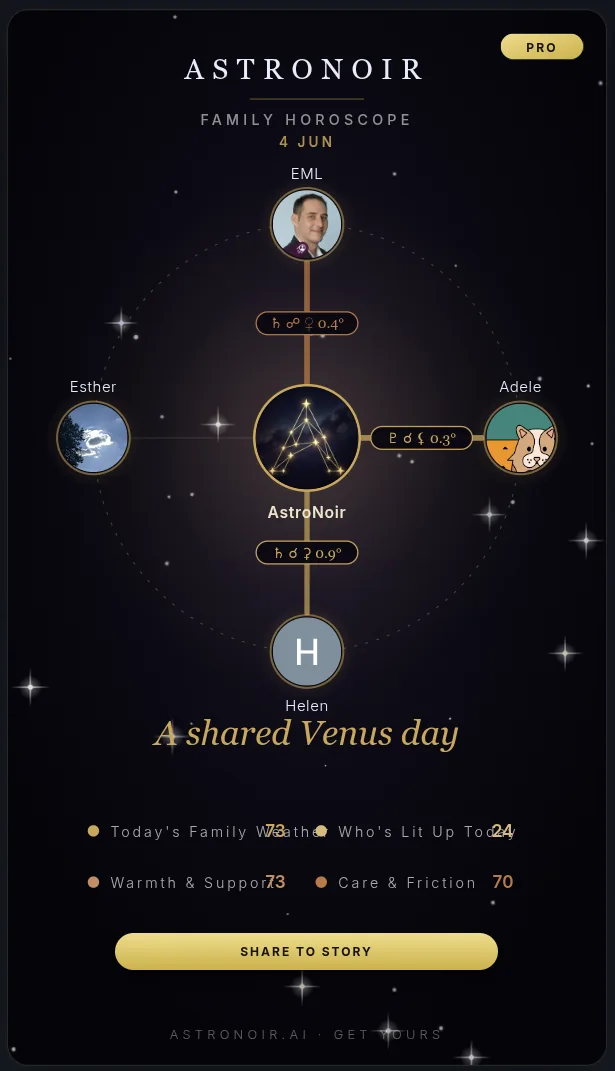
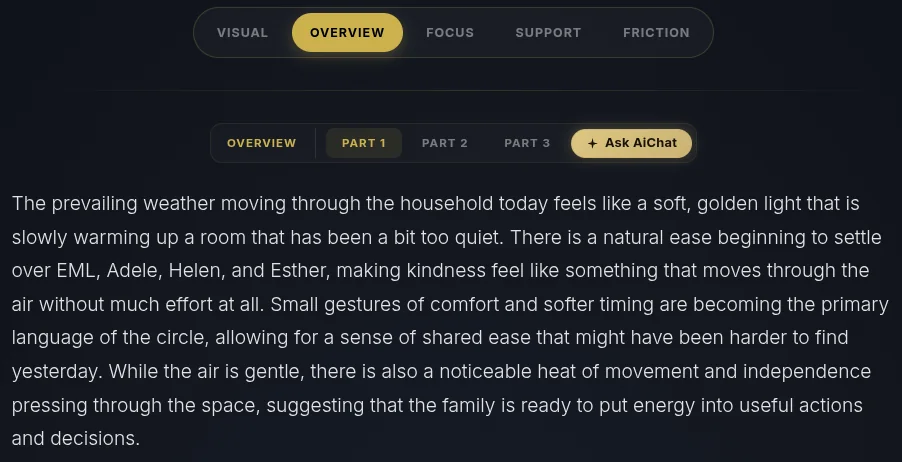
- Read the prose. Your family's day is written out across its segments in clear, personal language.
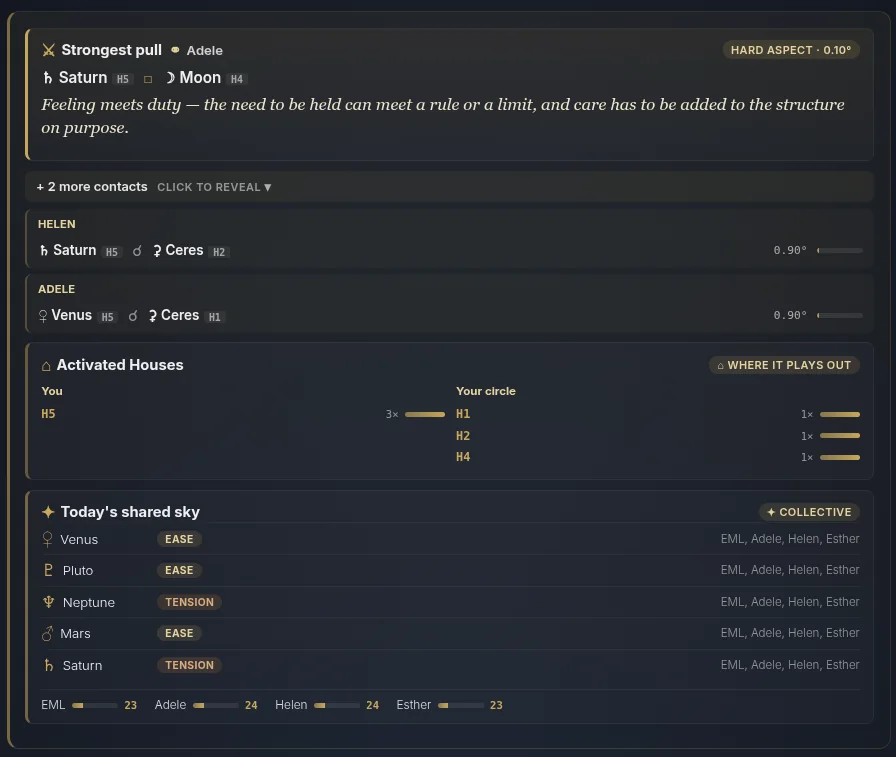
- Check the evidence. Under each segment is what it was built from — how everyone's charts interact as a circle today.
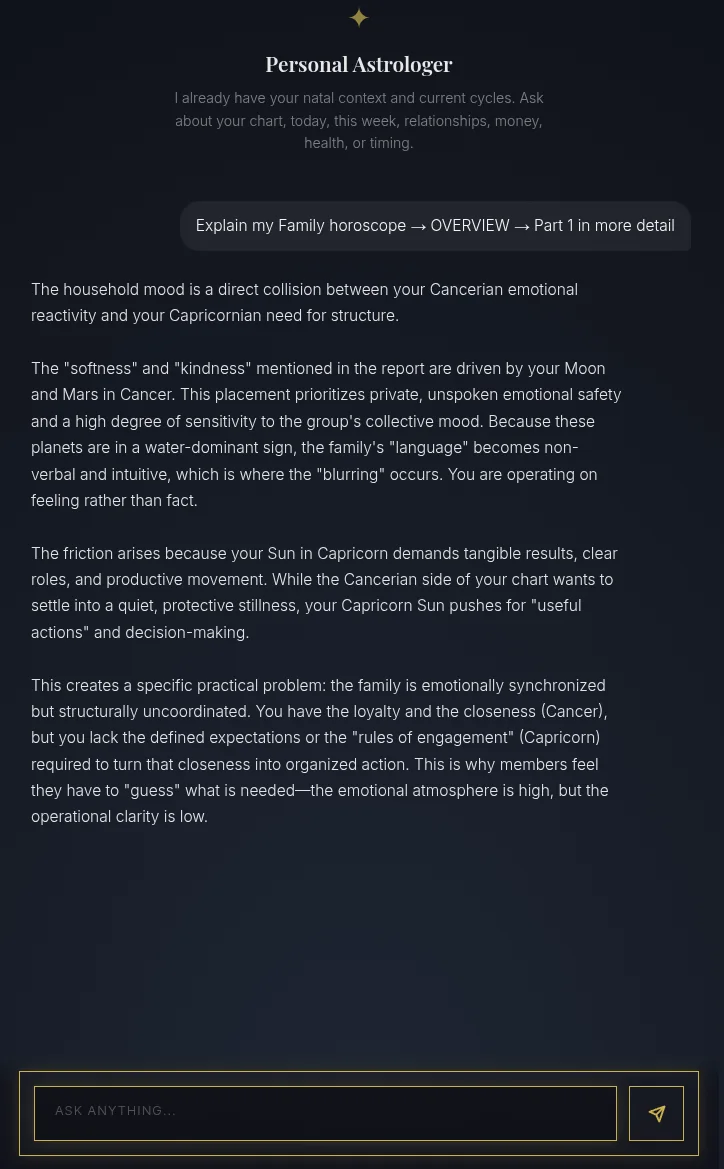
- Move between segments and tap Ask AiChat. Switch between Overview, Focus, Support, and Friction, then tap Ask AiChat on the one you want to dig into.
- Get a personal explanation. Your Personal Astrologer opens already focused on that exact segment and explains it in depth, ready for any follow-up.
That's the Family Horoscope — your whole circle, read as one, every day. For a team instead of a family, see the Work Horoscope.