
Where the Profile tells you who a person is, the Connection Report tells you what the two of you create together — the chemistry that only exists when your charts meet. It reads across chemistry, communication, friction, synergy, and growth. Here's how to open it, click by click.
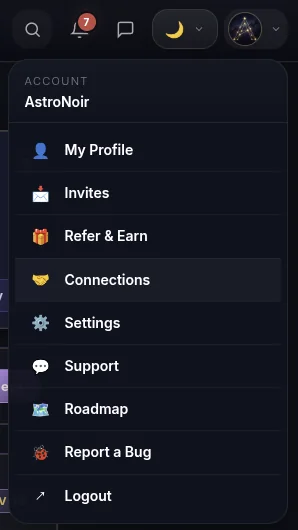
- Open Connections from the menu. Tap your avatar in the top-right corner and choose Connections.
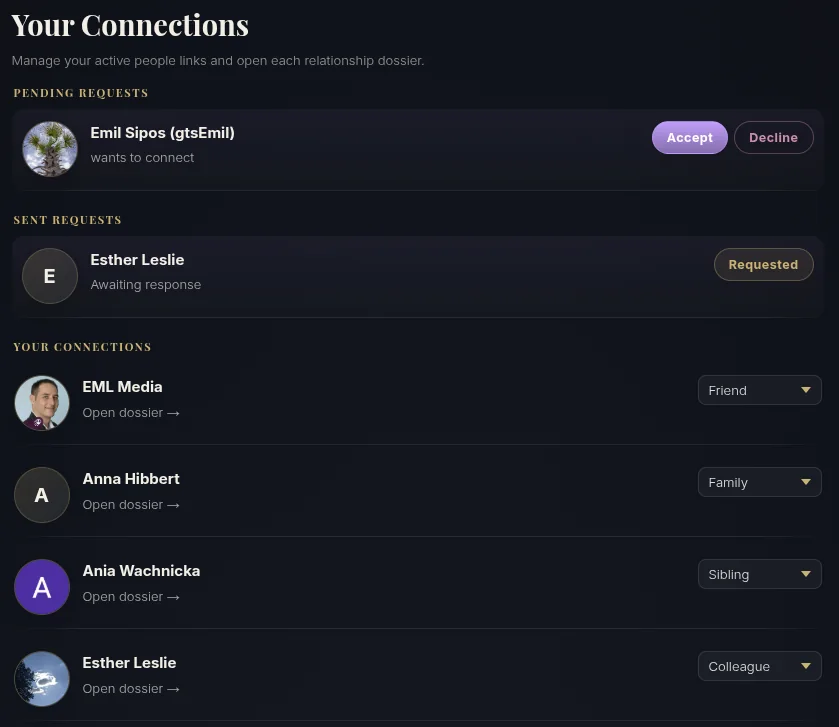
- Find your person and open their dossier. On the Connections page, tap Open dossier on the person you want to read.
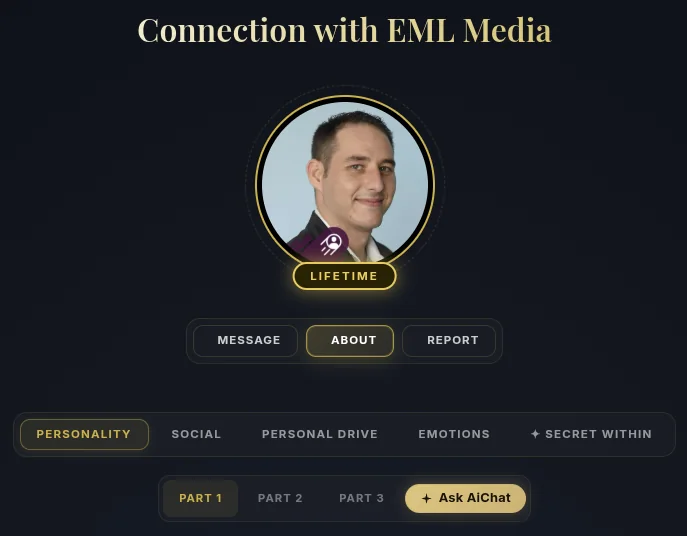
- Switch to the REPORT tab. The dossier opens on ABOUT — tap REPORT at the top to read your relationship instead of the person.
- Move between the five segments. The Report opens across Chemistry, Communication, Friction, Synergy, and Growth — each in three parts. Switch between them at the top.
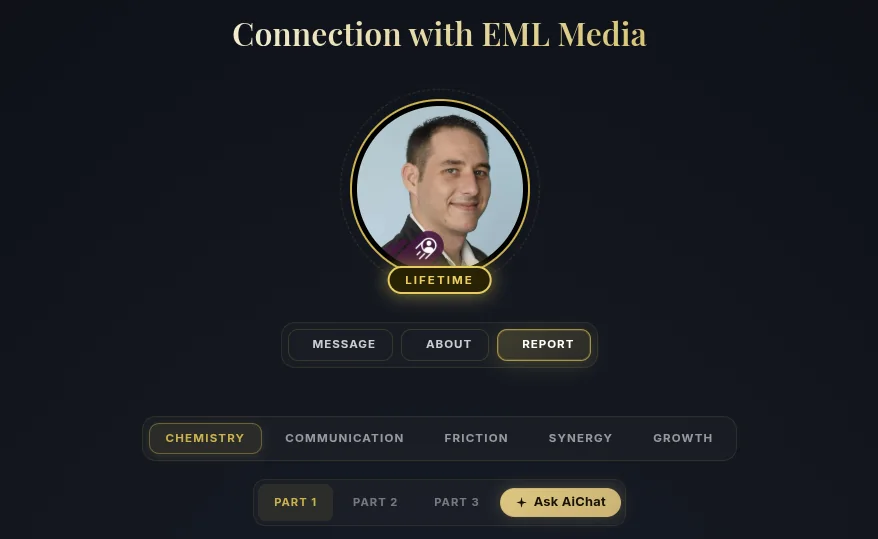
- Read the prose. Your shared dynamic is written out in clear, personal language for each segment.
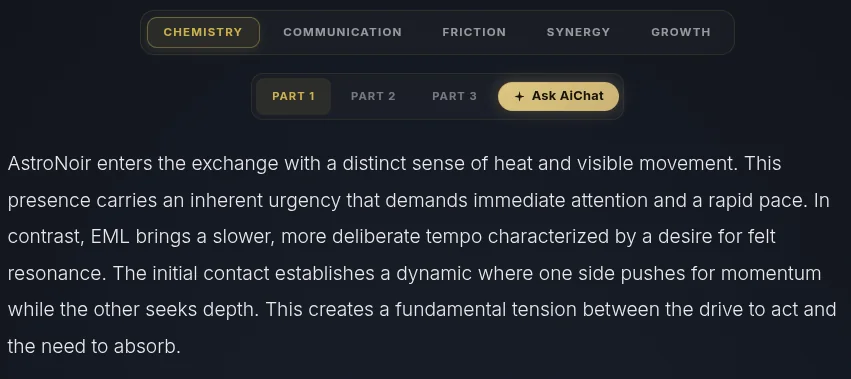
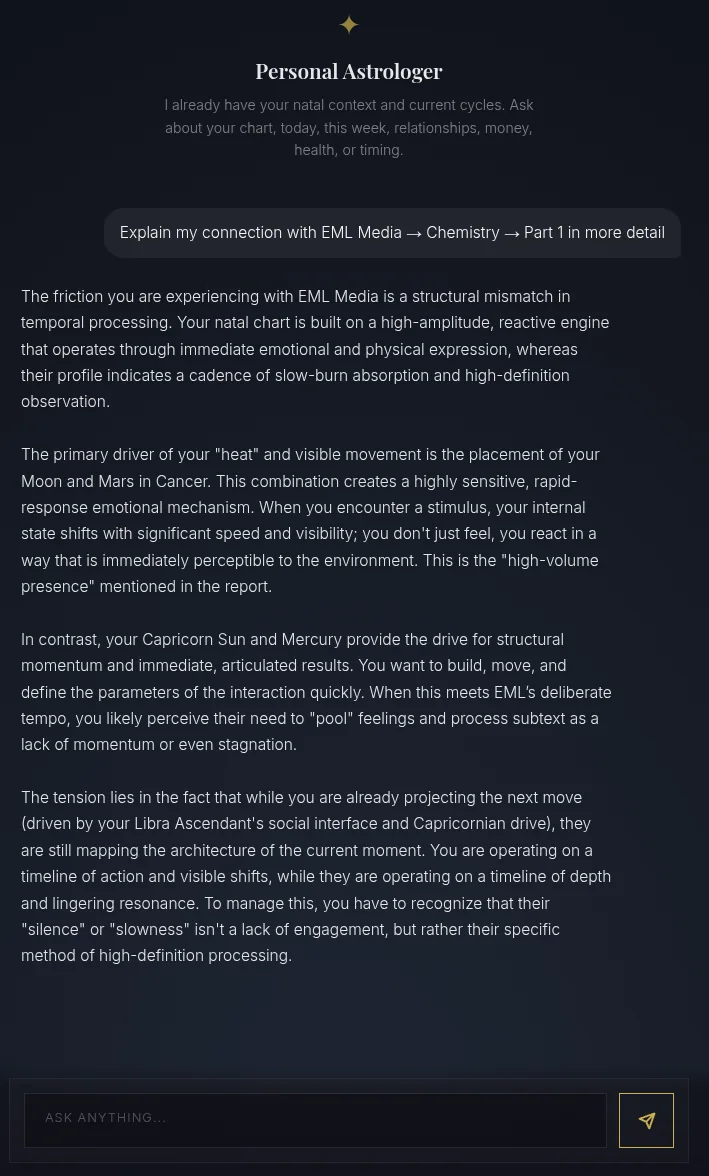
- Tap Ask AiChat for more. Tap Ask AiChat on any segment and your Personal Astrologer opens focused on that exact part — explaining the dynamic in depth, ready for any follow-up.
STARTER
The full Connection Report opens on the Starter tier, with a teaser on each section so you can see what's inside first.
That's the Connection Report — what you and another person are together. For who they are on their own, see How to Read a Connection Profile.