
A connection's Profile is a reading about who that person is, built entirely from their own birth chart — their personality, social style, personal drive, emotions, and the secret within. It's the reading you wish you'd had before you trusted, hired, or fell for someone. Here's how to open it, click by click.
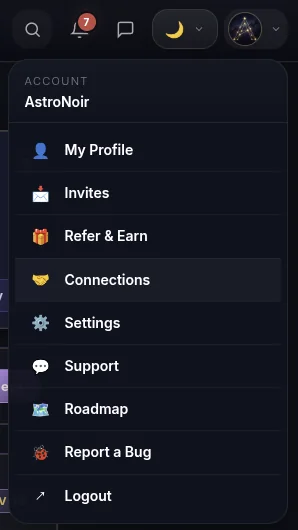
- Open Connections from the menu. Tap your avatar in the top-right corner and choose Connections.
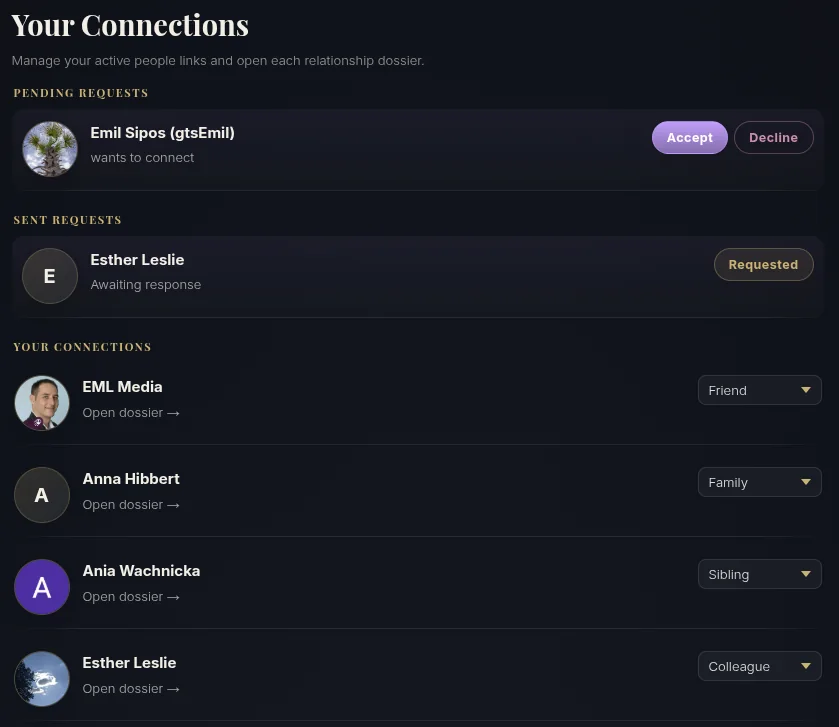
- Find your person. On the Connections page you'll see everyone you're linked to — and you can set how you're related to each from the dropdown (friend, family, partner, colleague…). Tap Open dossier on the person you want to read.
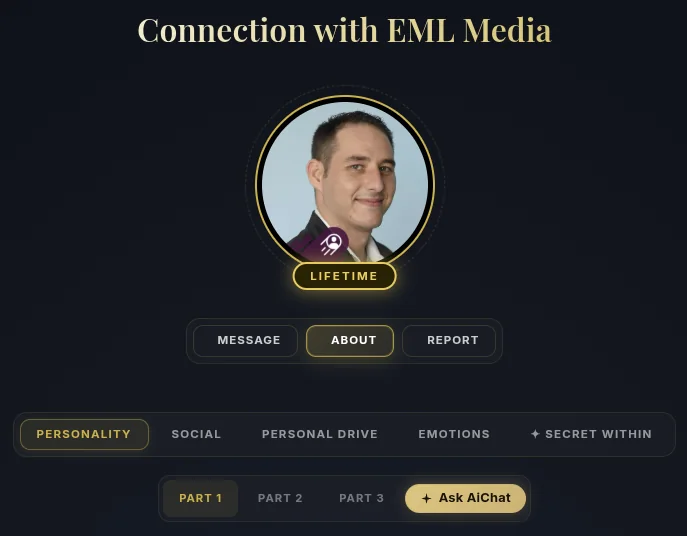
- Open the ABOUT tab. Each dossier has an ABOUT tab — that's the Profile, all about that person.
- Read the prose. Their Profile is written out in clear, personal language across its segments.
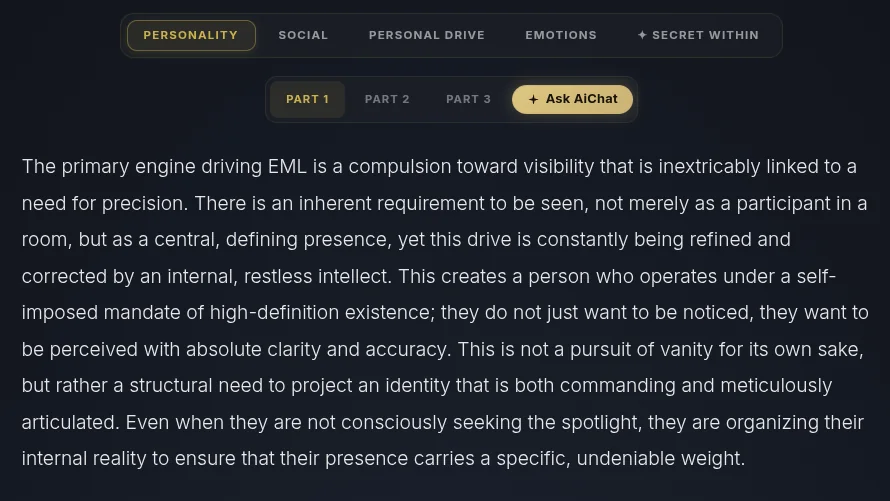
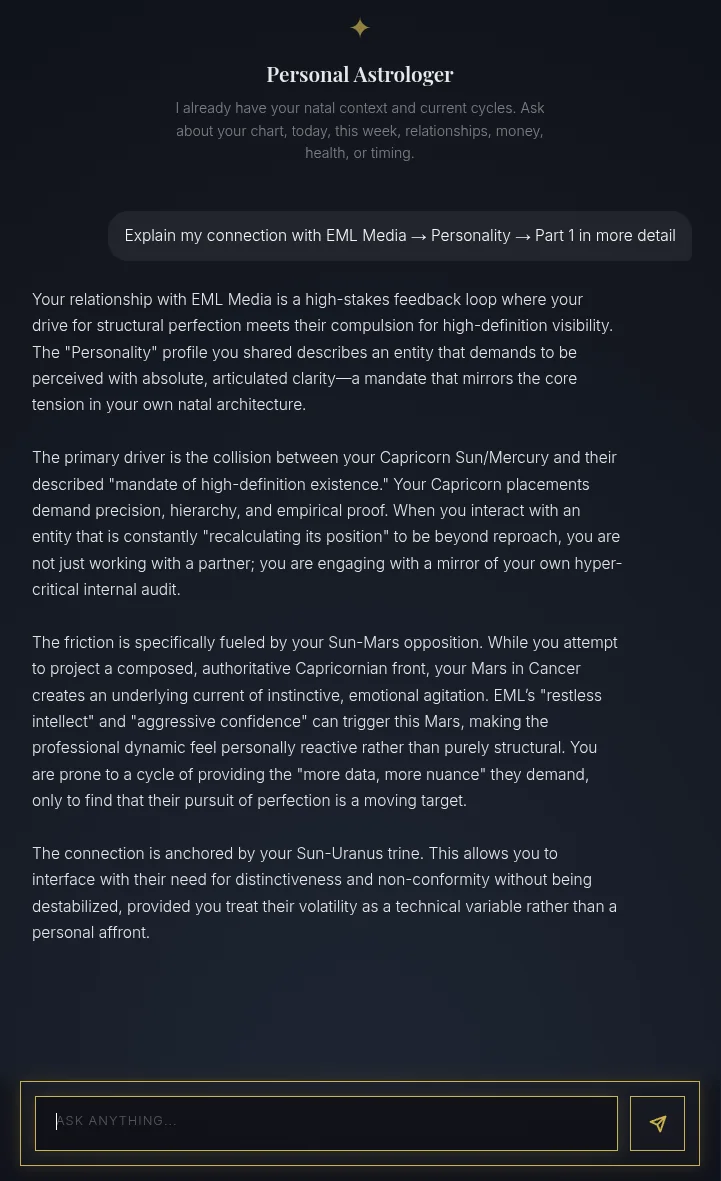
- Move between segments and tap Ask AiChat. Switch between Personality, Social, Personal Drive, Emotions, and Secret Within, then tap Ask AiChat on the one you want to dig into.

- Get a personal explanation. Your Personal Astrologer opens already focused on that exact segment and explains it in depth, ready for any follow-up.
NOTE
The Secret Within is a deeper, gated layer. The rest of the Profile gives you a clear read on the person from the moment you connect — and it's always private to you (one-directional, never shown to them).
That's the Connection Profile — who a person really is. For the dynamic between you and them, see How to Read a Connection Report.