
Direct Messaging lets you chat privately with anyone in your connections — share insights, coordinate plans, or just stay in cosmic sync. It's free on every account, and there are two ways in.
Start a chat from a connection
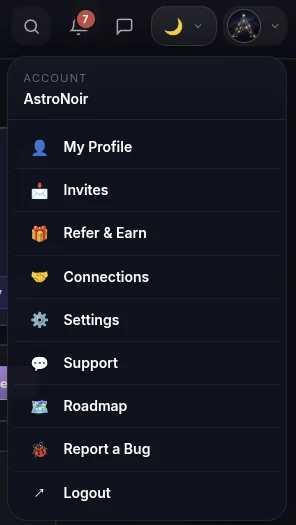
- Open Connections from the menu. Tap your avatar in the top-right corner and choose Connections.
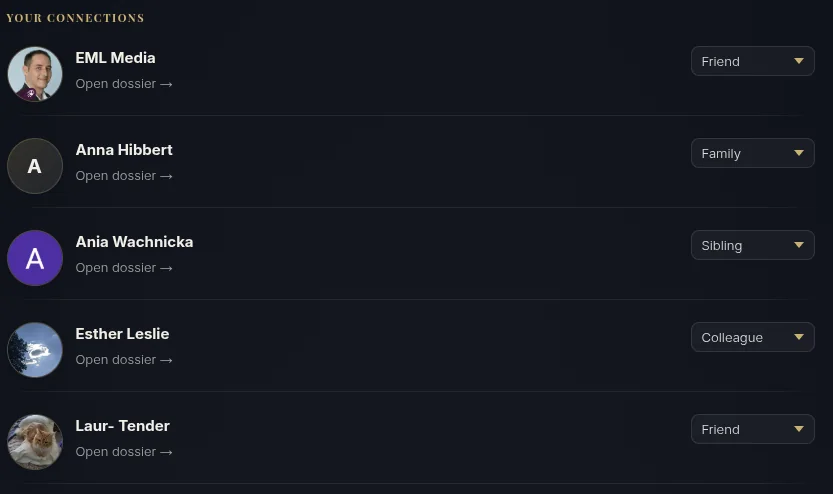
- Open your person's dossier. On the Connections page, open the person you want to message.
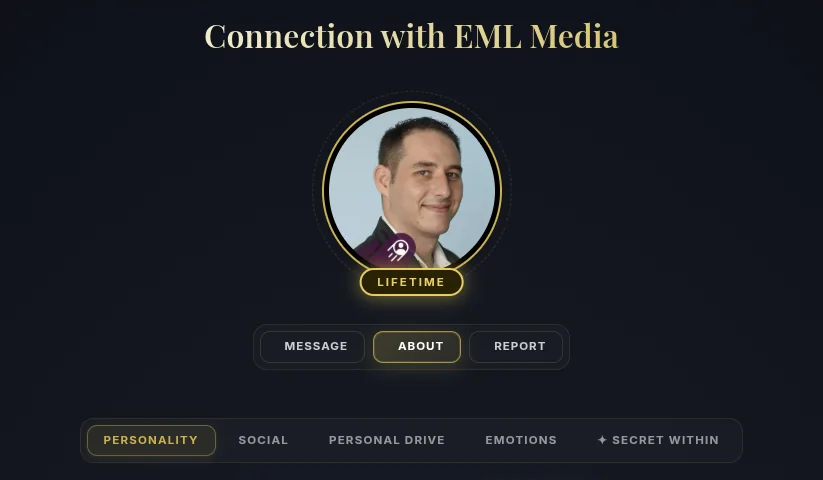
- Tap MESSAGE. At the top of their dossier, next to ABOUT and REPORT, tap the MESSAGE tab.
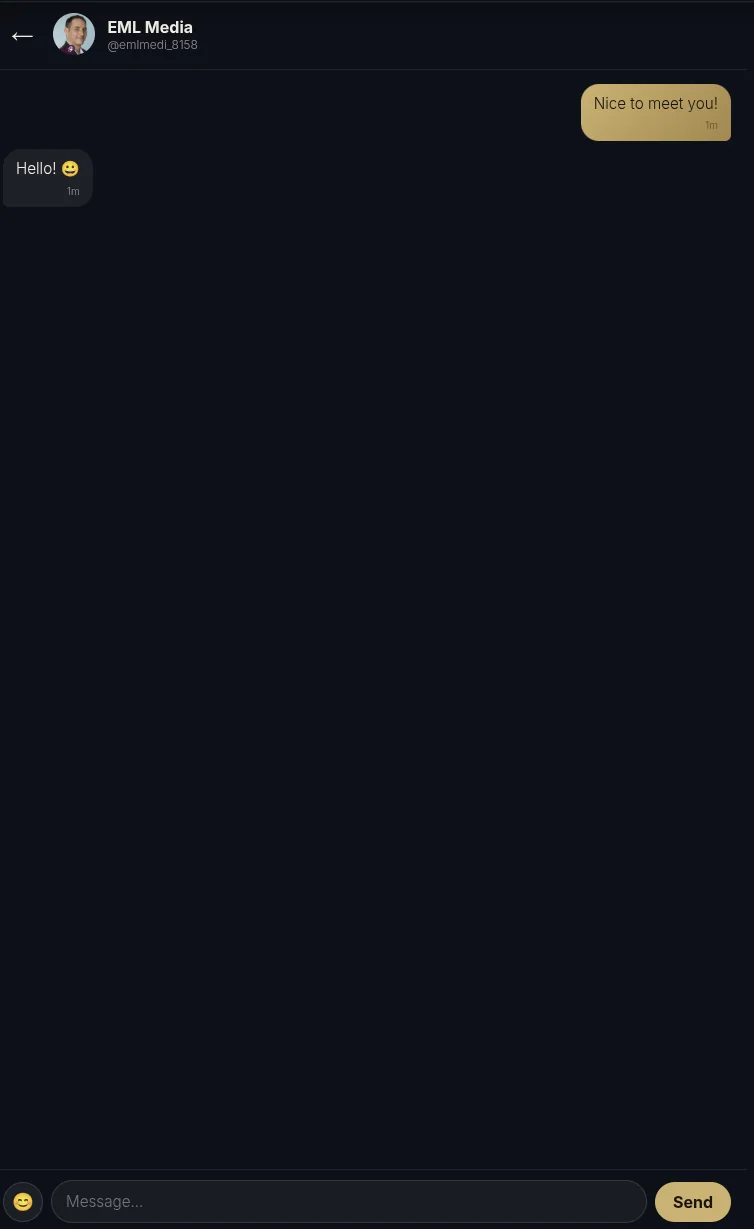
- Type and send. Write your message and send it — your conversation lives here from now on.

…or jump straight to Messages
- Tap the messages icon in the top bar. The speech-bubble icon in the header takes you straight to your conversations.

- See all your conversations. Your message threads are all in one place.
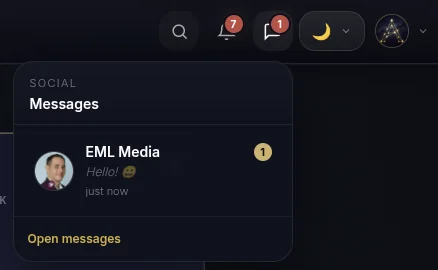
- Open any chat. Tap a conversation to pick up where you left off.
That's Direct Messaging — private, free, and built into your connections. Don't have people to message yet? See How to Add People.