
The Moon sets the emotional rhythm of your weeks — and the Lunar Horoscope reads it phase by phase, personalized to your natal Moon. It tells you what each phase is really doing (new-moon intentions, full-moon releases, the tightening and the letting-go), across four segments — and crucially, it shows you both the phase you're in now and the one coming next, so you're never caught off guard. It's a Starter feature, and Starter comes with 5 AI credits every day.
What it reads
Each lunar phase, broken into four segments plus a visual:
- Climate — the overall emotional weather of the phase.
- Pressure — where the phase is squeezing, and on what.
- Shift — what's turning over and beginning to change.
- Handling — how to carry yourself through it.
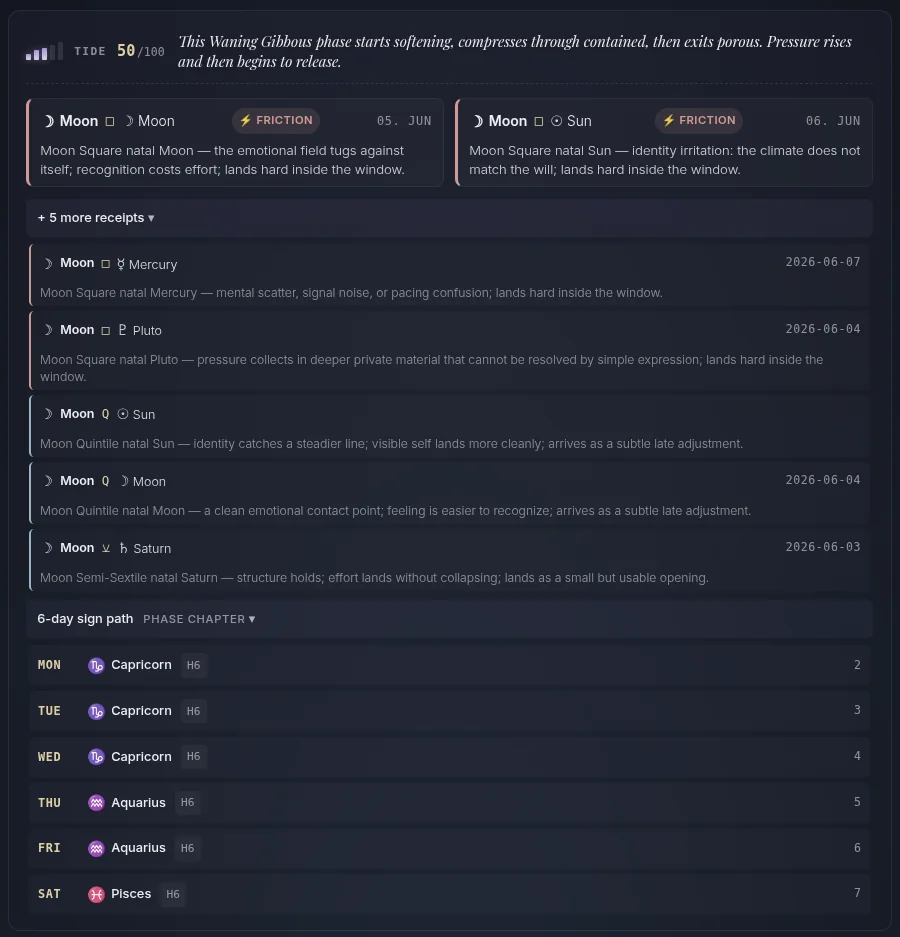
It's anchored to your natal Moon and the phase's mechanics, with the Moon's aspects and its sign-by-sign path across the cycle as evidence.
See the next cycle — prepare ahead
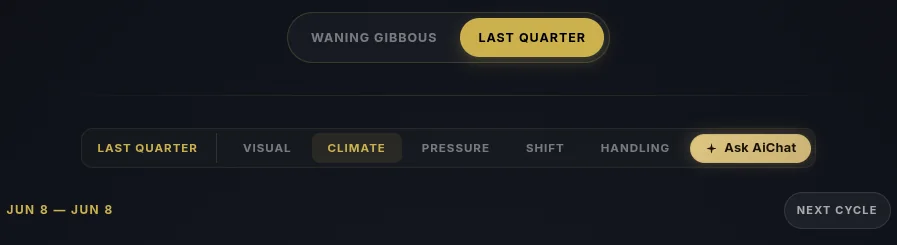
This is the part most lunar apps miss: you don't just read today's phase. You can toggle between your current phase and the next one (e.g. Waning Gibbous → Last Quarter), and tap Next Cycle to look further forward. So you can prepare for the release before it lands, or the new beginning before it opens.
The Lunar Horoscope is a Starter feature — and Starter includes 5 AI credits every day to ask the astrologer about your phase.
Here's the whole thing, click by click.
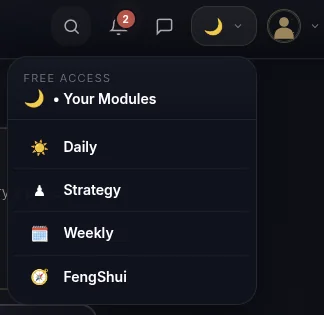
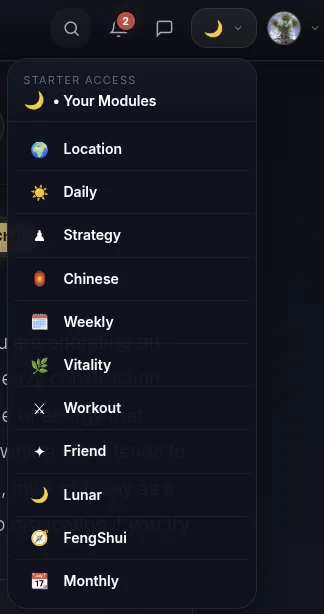
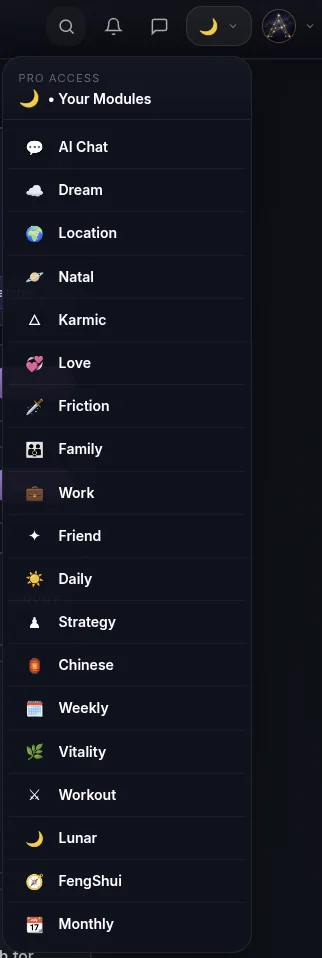
- Open it from the menu. Tap the moon icon in the top menu, then pick this reading from the dropdown — that's the surest way to open any module. (Its card may also be waiting on your dashboard.)
- Find the Lunar card on your Dashboard. After you log in, your moon-phase reading sits on your home screen.
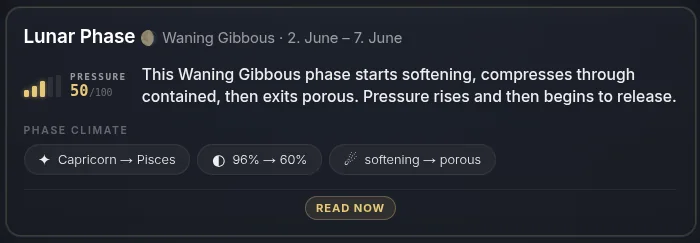
- Tap it to open your visual card — and share it. The card opens into a beautiful, shareable image of your phase, ready for Instagram, Facebook, Pinterest, or X. Don't want to share your own photo? Tap the avatar to swap the image. Every card you share is saved to your personal AstroNoir gallery.
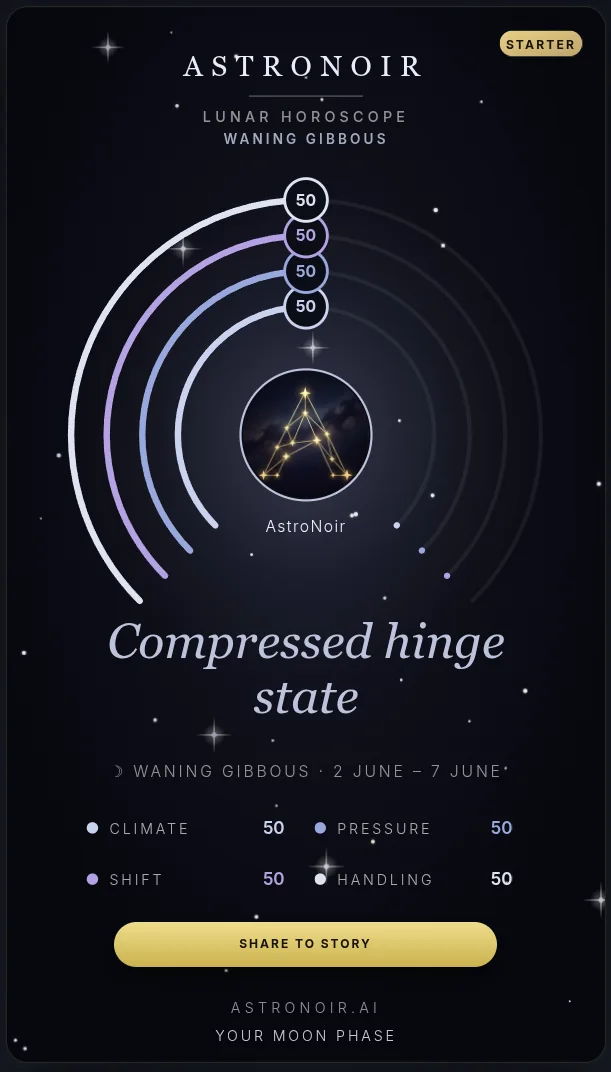
Sharing genuinely helps us grow — thank you to everyone who posts their card.
- Read the prose. Below the card, your phase is written out across its segments — climate, pressure, shift, and handling — in clear, personal language.
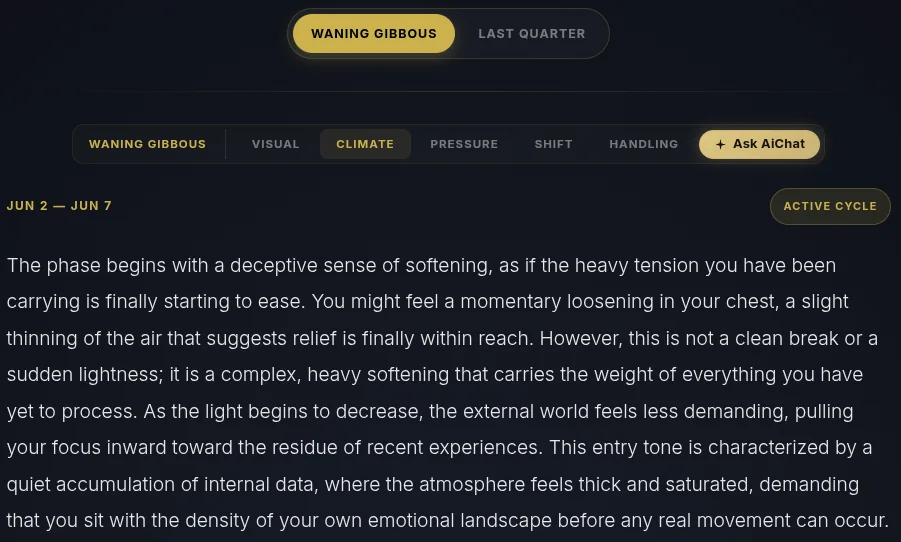
- Check the evidence. Here's the proof: the phase's intention, the Moon's aspects during it, and the Moon's sign-by-sign path across the cycle. Real lunar math, mapped to your chart.
- Look at the next cycle. Toggle between your current phase and the next, and tap Next Cycle to see further ahead — so you can prepare for what's coming, not just react to what's here.
- Pick a segment and tap Ask AiChat. Choose the segment you want to dig into, then tap Ask AiChat to go straight to the astrologer about that exact theme — on Starter you get 5 AI credits every day.
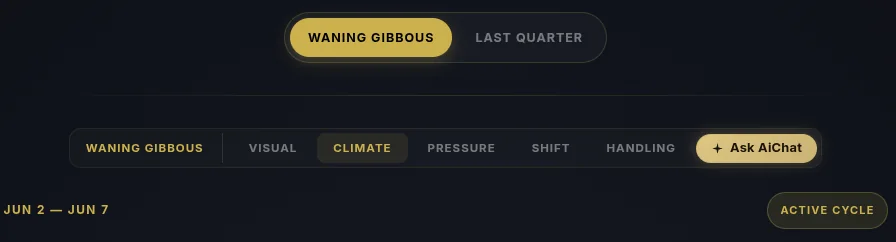
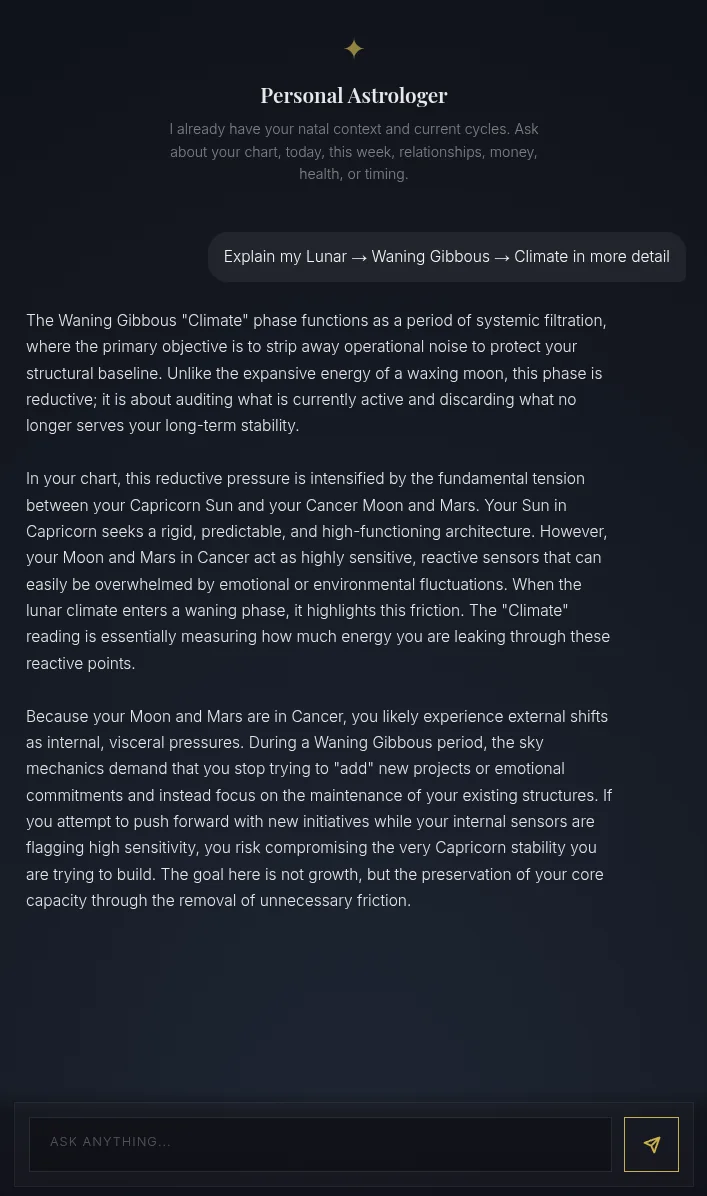
- Get a personal explanation. The AI opens already focused on the segment you chose and explains exactly what it means for you — grounded in your natal Moon and the live phase.
That's your Lunar Horoscope — your moon phase now and next, read across four segments. Ready to live in rhythm with the Moon? Go Starter — and turn on notifications so each phase reaches you.