
Where you live changes how your chart lands. The Location Scan answers the question astrology is unusually good at: how will this place treat me? Type any city in the world and AstroNoir reads it two ways — a full dossier of the city itself, and your personal synergy with it — across 11 segments covering career, love, money, home, health, and social life. It's essential for relocation, travel, and remote-work decisions. A Starter feature, with unlimited scans on Pro.
Two readings in one
Most location astrology stops at a single score. AstroNoir gives you both halves:
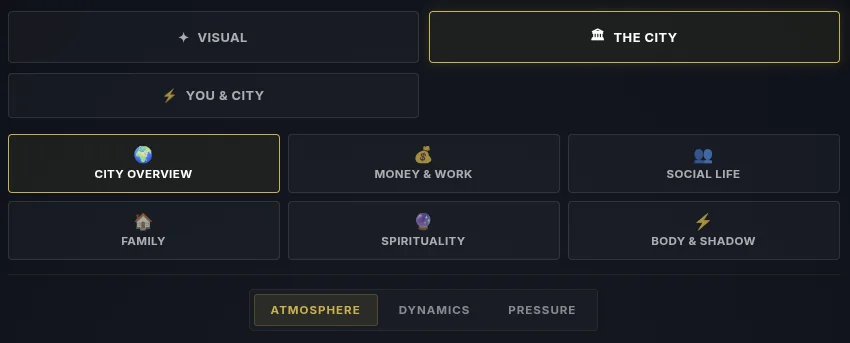
- The City Dossier (6 segments) — the city on its own terms: Overview, Money & Work, Social Life, Family, Spirituality, and Body & Shadow. What the place rewards and what it taxes, for anyone.
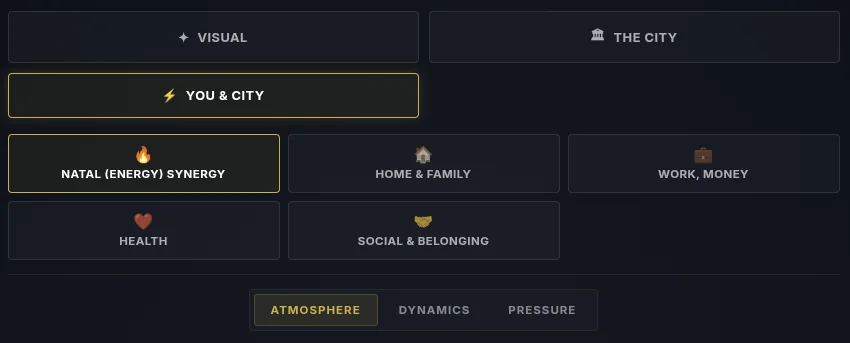
- Your Synergy with it (5 segments) — the city against your chart: Natal Energy, Home & Family, Work & Money, Health, and Social & Belonging. What happens when you enter that field.
Together that's a verdict you can act on — "Home thrives here" — backed by per-domain scores and real evidence.
Here's the whole thing, click by click.
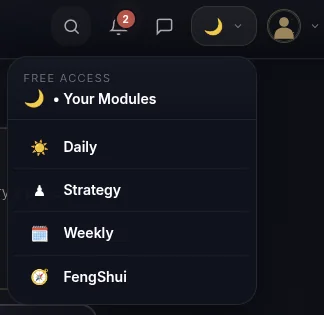
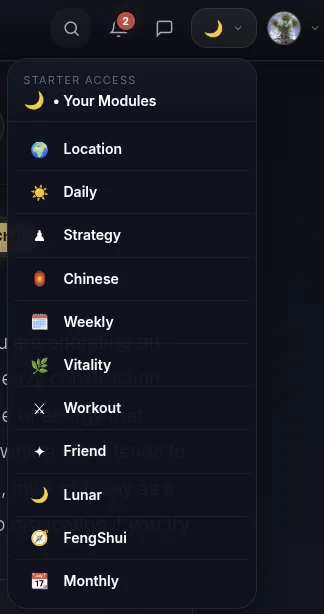
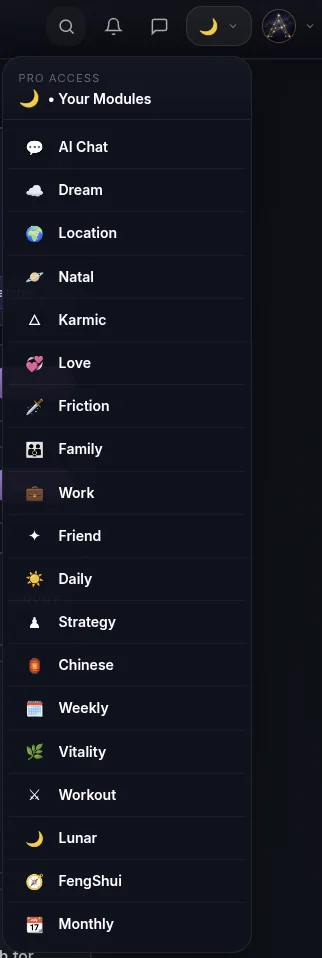
- Open it from the menu. Tap the moon icon in the top menu, then pick this reading from the dropdown — that's the surest way to open any module. (Its card may also be waiting on your dashboard.)
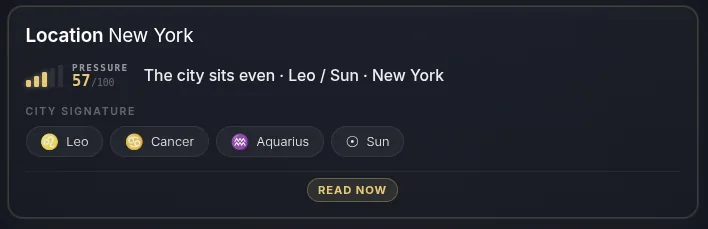
- Find Location on your Dashboard. After you log in, the Location area sits on your home screen.
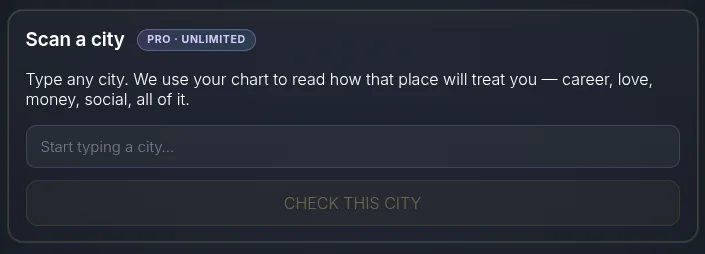
- Scan a city — just type it. Use the Scan a city card: type any city, hit Check this city, and AstroNoir builds the report. When it's done you get a notification and you're taken straight to your visual card — no waiting around.
- See your visual card — you vs the city. The card overlays your chart with the city's, with a verdict and your domain scores — ready to share to Instagram, Facebook, Pinterest, or X. Every card you share is saved to your AstroNoir gallery.
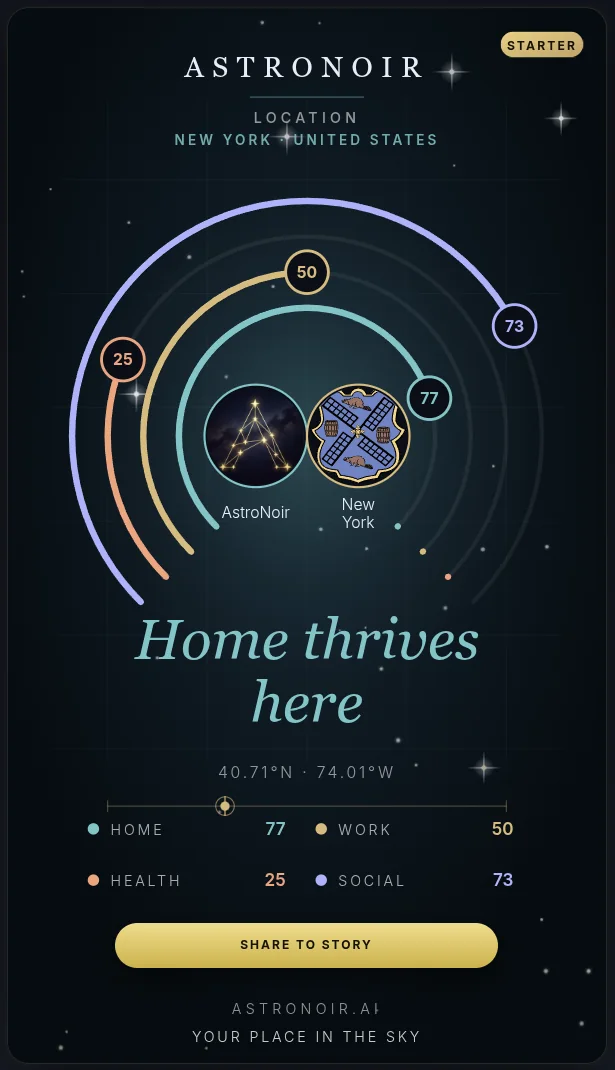
Sharing genuinely helps us grow — thank you to everyone who posts their card.
- Read the city dossier. Six segments on the city itself — Overview, Money & Work, Social Life, Family, Spirituality, and Body & Shadow.
- Read your synergy. Five segments on you and the city — Natal Energy, Home & Family, Work & Money, Health, and Social & Belonging.
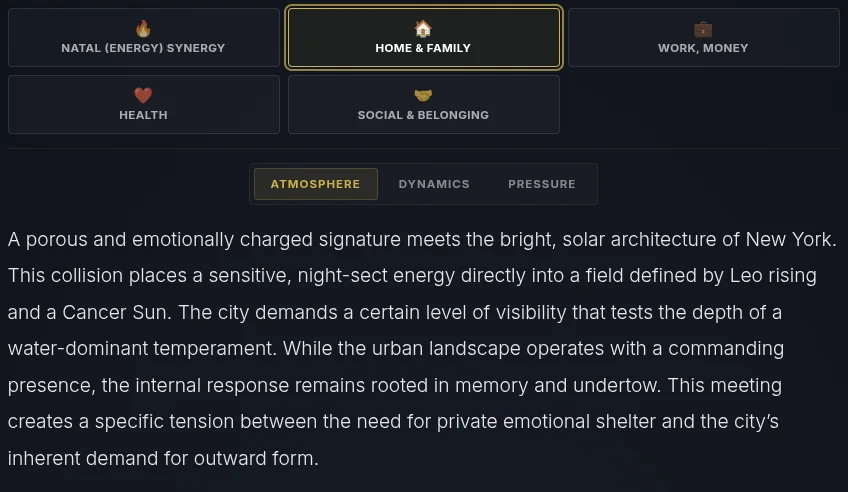
- Read the prose. Open any segment for the full written reading in clear, personal language.
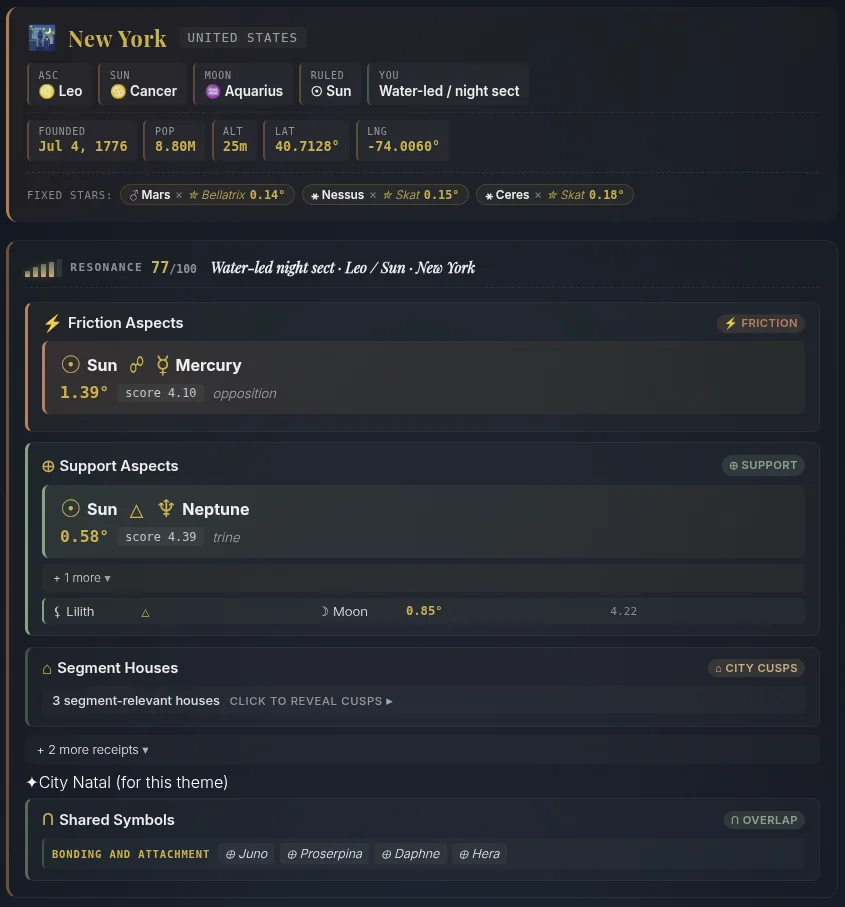
- Check the evidence. Under each segment is the astrological evidence — how the city's planetary lines and your chart actually interact.
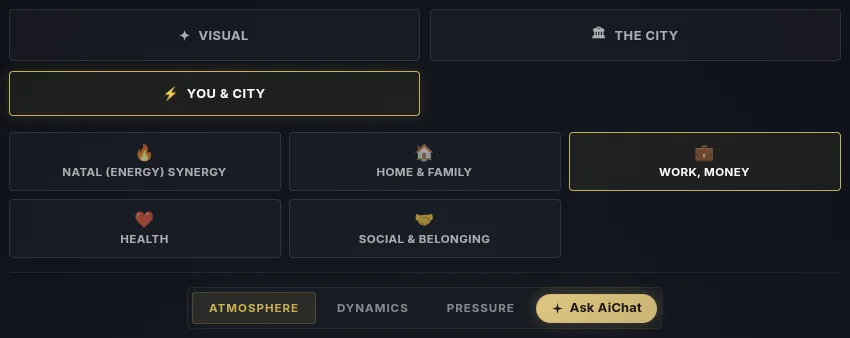
- Tap AI Chat on a segment. Pick the segment you want to dig into and tap AI Chat to ask the astrologer about that exact theme.
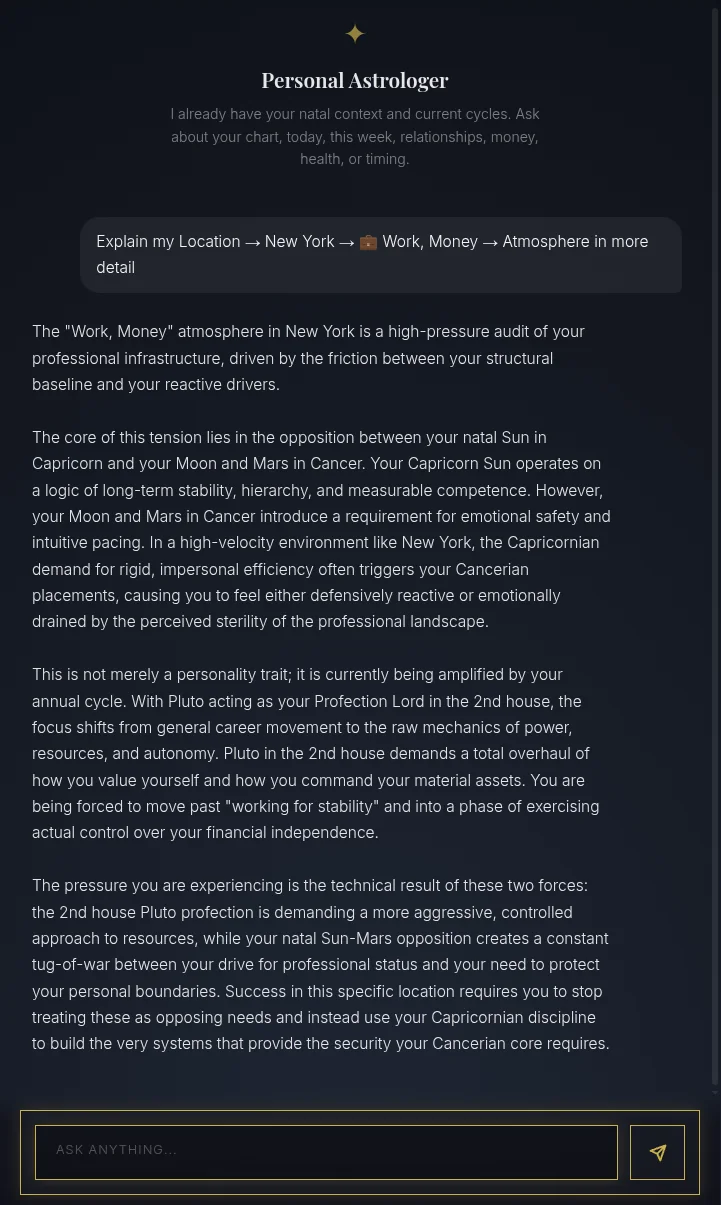
- Get a personal explanation. The AI opens already focused on the segment and explains exactly what that city means for you.
That's the Location Scan — any city, read for you, inside and out. Planning a move or a trip? Go Starter to scan, or Pro for unlimited cities — and turn on notifications so you know the moment a scan is ready.