
The Friend Horoscope reads a specific friendship for the week ahead — built from both of your charts, not a generic social blurb. Pick a person you're connected to and you get the week's bond, flow, tension, and sync between you, a shareable card, and the real evidence underneath. A Pro feature.
Here's how, click by click.
- Open the Friend Horoscope. Find the Friend card on your dashboard.
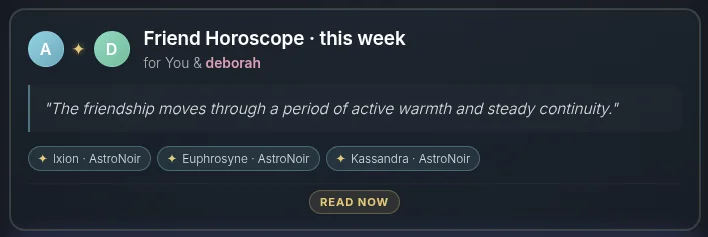
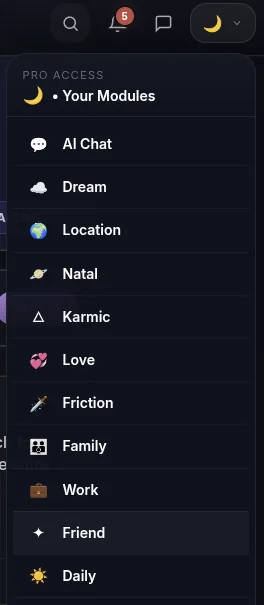
- …or open it from the menu.
- Pick a connection. Choose which friend you want to read from the dropdown. (Don't have them yet? See How to Add People.)

- See your visual card — and share it. Your week opens with a beautiful, shareable card of the two of you, ready for Instagram, Facebook, Pinterest, or X. Tap the avatar to swap the image if you'd rather not share a photo, and every card you share is saved to your AstroNoir gallery.
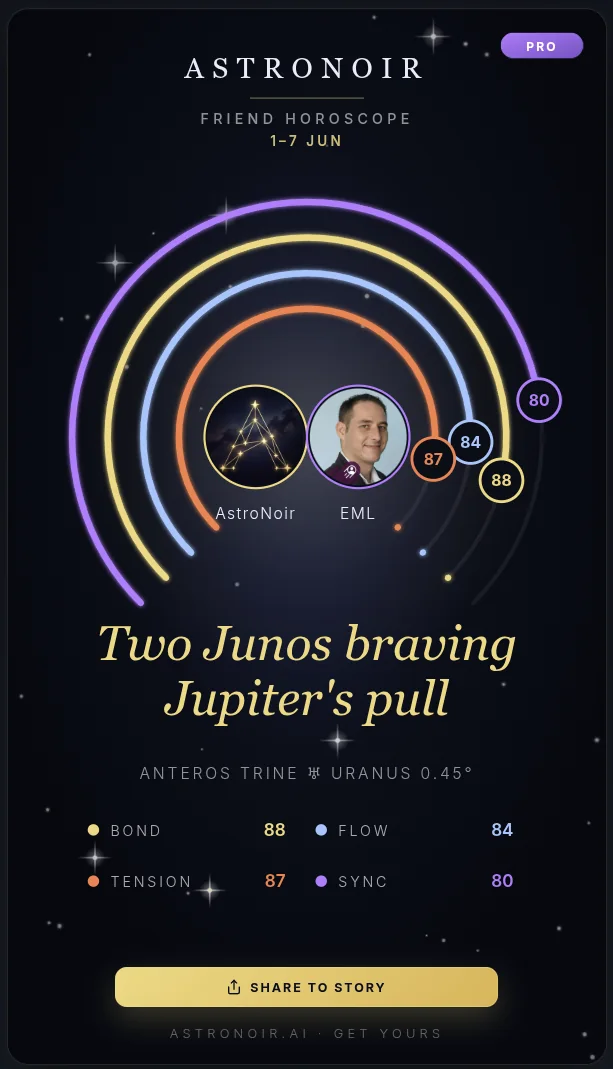
TIP
Sharing genuinely helps us grow — thank you to everyone who posts their card.
- Read the prose. Below the card, your week together is written out across its segments in clear, personal language.
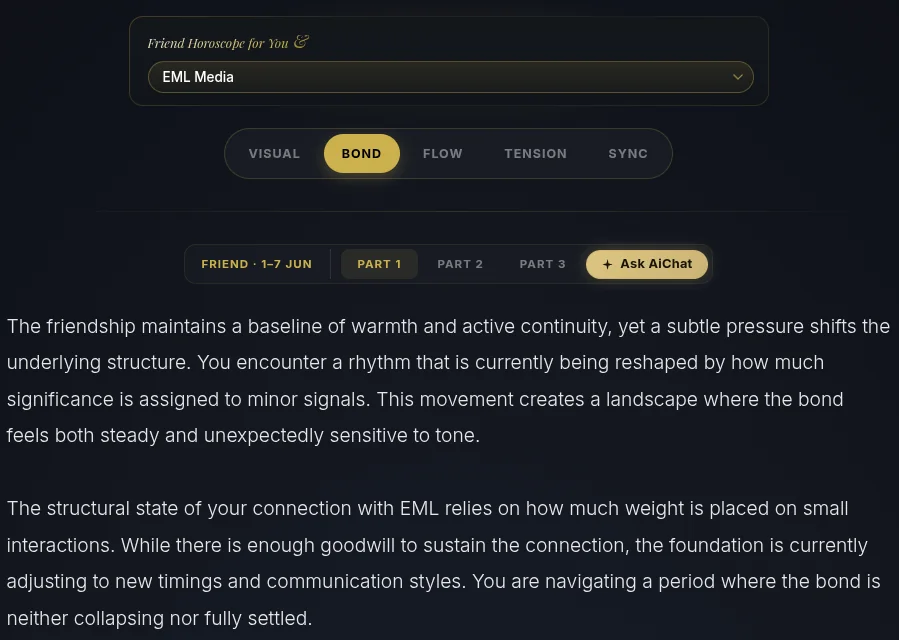
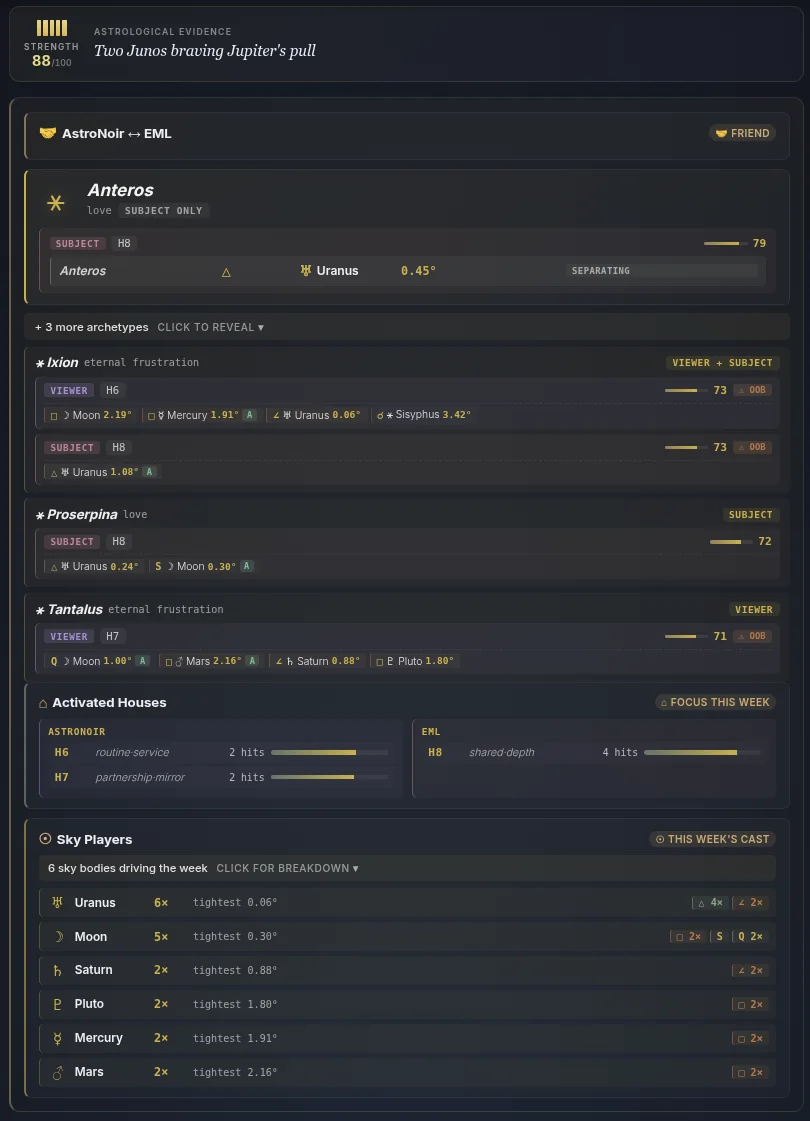
- Check the evidence. Under each segment is what it was built from — how your two charts actually interact this week.
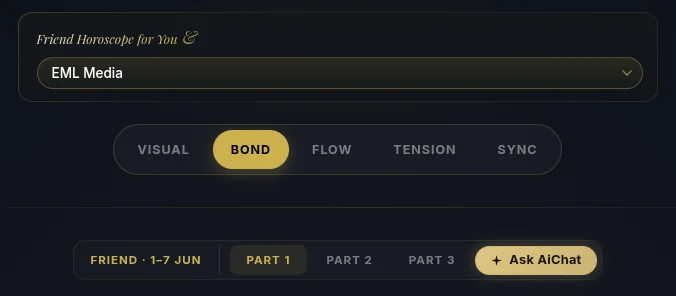
- Move between segments and tap Ask AiChat. Switch between Bond, Flow, Tension, and Sync, then tap Ask AiChat on the one you want to dig into.
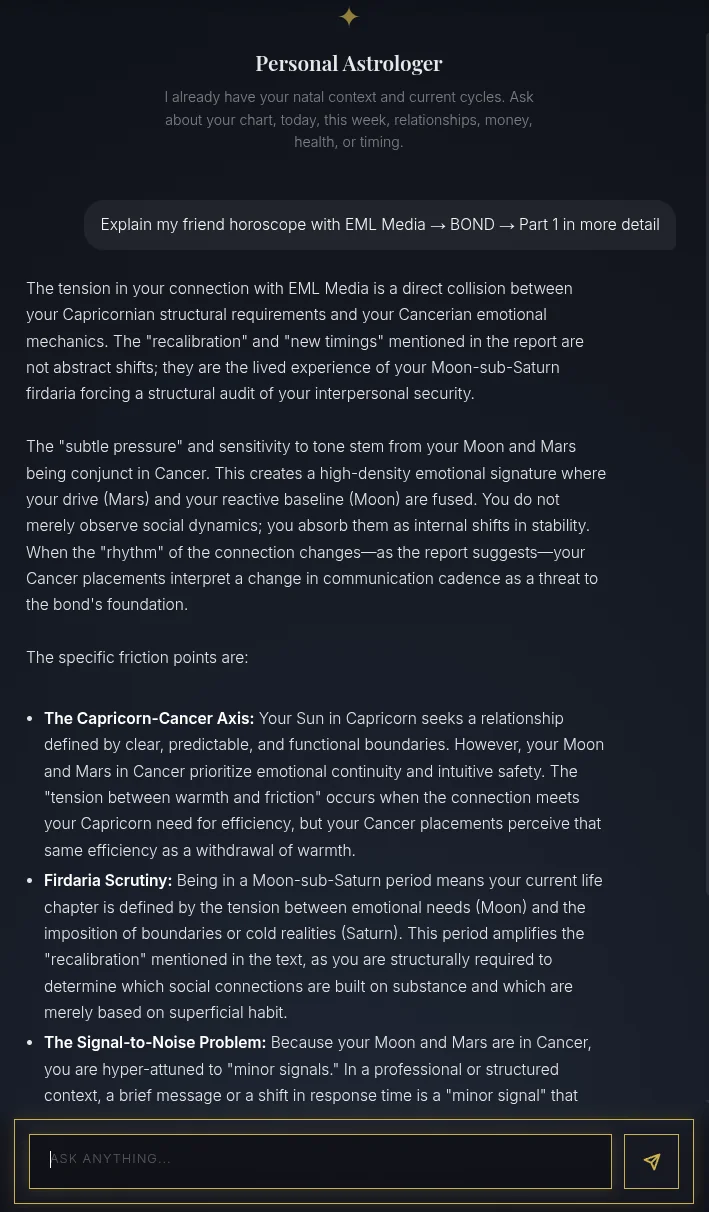
- Get a personal explanation. Your Personal Astrologer opens already focused on that exact segment and explains it in depth, ready for any follow-up.
That's the Friend Horoscope — a real read on a real friendship, week by week. For who that person is on their own, see their Connection Profile; for the deeper one-to-one dynamic, the Connection Report.