
A horoscope paints the whole day's weather. Daily Strategy does the opposite — it narrows. Every day your chart is touched by dozens of transits; most are noise. Daily Strategy finds the single strongest one, tells you in one sharp line what to do about it, and shows you the exact moment it peaks — down to the second, in UTC. It's the focus tool for people who don't want a mood board, they want the one move that matters today.
The philosophy: do one thing well
The whole point is focus over overwhelm. Instead of scattering your energy across a dozen themes, Daily Strategy hands you the day's dominant transit and a single, blunt directive — "pick one task to finish properly; stability is your goal today, not efficiency." It's astrology as a decision, not a vibe. One aspect. One instruction. One day at a time.
What's inside each day
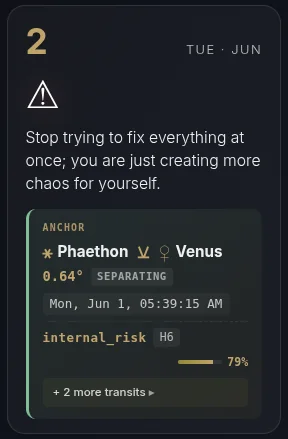
- The anchor. The day's single strongest aspect — the exact bodies, the orb, whether it's applying or separating, its theme, and its pressure score.
- The directive. A short, direct line on what this transit is really doing to you, and the smart way to move with it instead of against it.
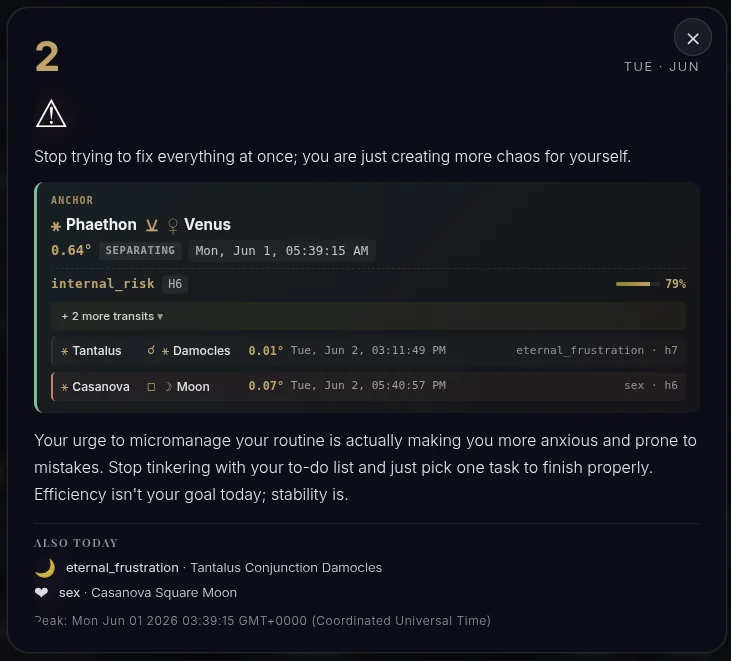
- The exact peak — to the second. The overlay shows the precise peak time in GMT+0000 (UTC), e.g. "Peak: Jun 01 2026 03:39:15 GMT+0000." You don't just learn what matters today — you learn when.
- Also Today. The runner-up transits of the day, listed underneath, so nothing important is hidden.
A Pro expansion is on the way: surfacing the top transits of the day in full, so Pro users can focus on more than one peak. For now those extra transits appear under "Also Today."
Here's how to read it, click by click.
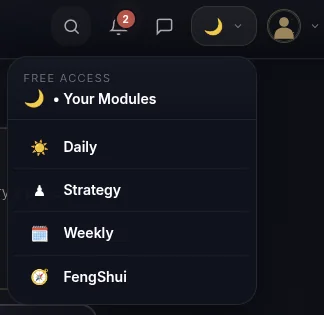
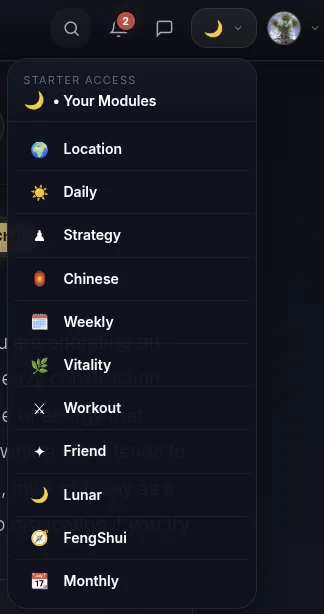
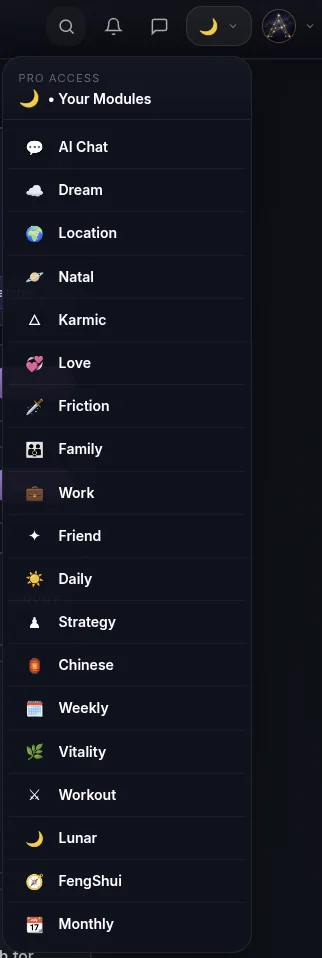
- Open it from the menu. Tap the moon icon in the top menu, then pick this reading from the dropdown — that's the surest way to open any module. (Its card may also be waiting on your dashboard.)
- Find the Daily Strategy card on your Dashboard. It sits on your home screen with today's headline directive.
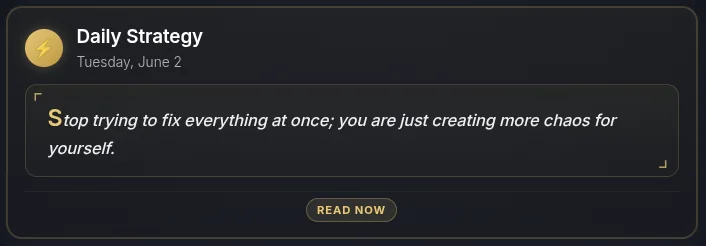
- Open the module. Tap through to see the strategy laid out — the day, the warning, and the headline move.
- Open the overlay — the evidence and the exact timing. Here's the full picture: the anchor aspect with its orb and theme, the directive prose, the "+ more transits" you can expand, the "Also Today" runners-up, and the exact peak time to the second in UTC at the bottom. Real math, precise timing, one clear move.
How far ahead you can see
Daily Strategy is tiered by horizon — how many days ahead you can plan:
| Tier | Horizon |
|---|---|
| Free | Today |
| Starter | 3 days ahead |
| Pro | 30 days ahead |
Today's strategy is free — so you can build the habit before you ever upgrade. Want to plan a week or a month of timing in advance? Start free today, then go further with Starter or Pro.